Starter
1K and 2K work.
$29/mo
350 credits included
- 1K & 2K resolution
- Email support
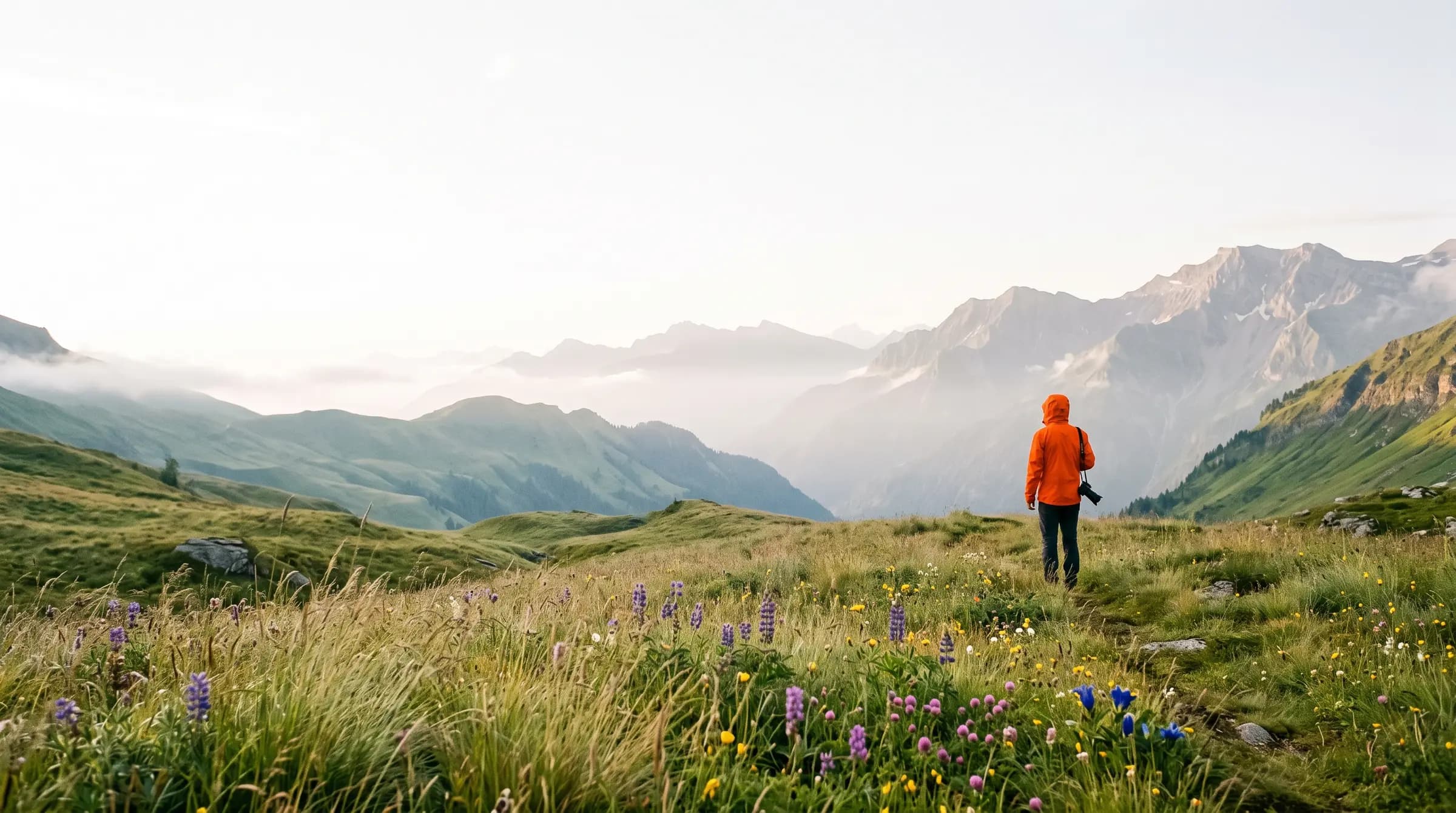
Every product photograph on this page was made by Mishkim, from a photo somebody uploaded.
Mishkim turns the product photos you already have into studio shots, virtual try-on and short video. One upload, one credit balance, one workspace, and no shoot to book.
Plans from $29/mo, 350 credits included. Creating an account is free; generating is not.
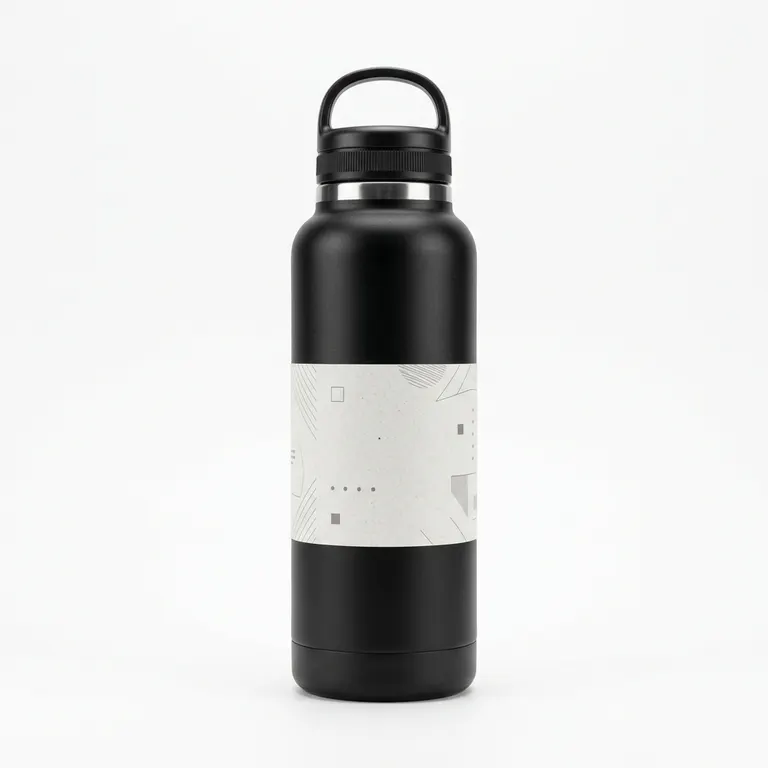
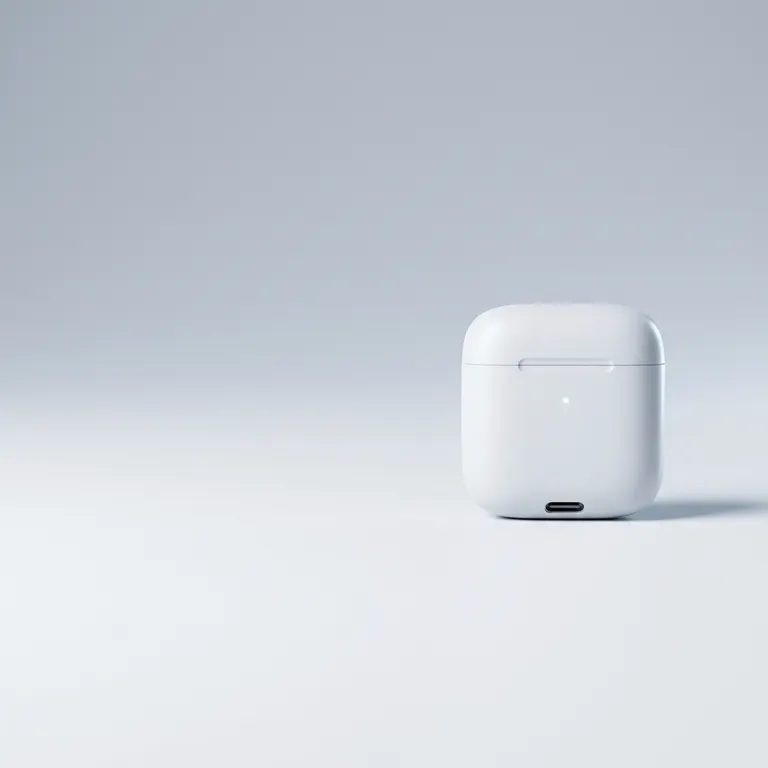
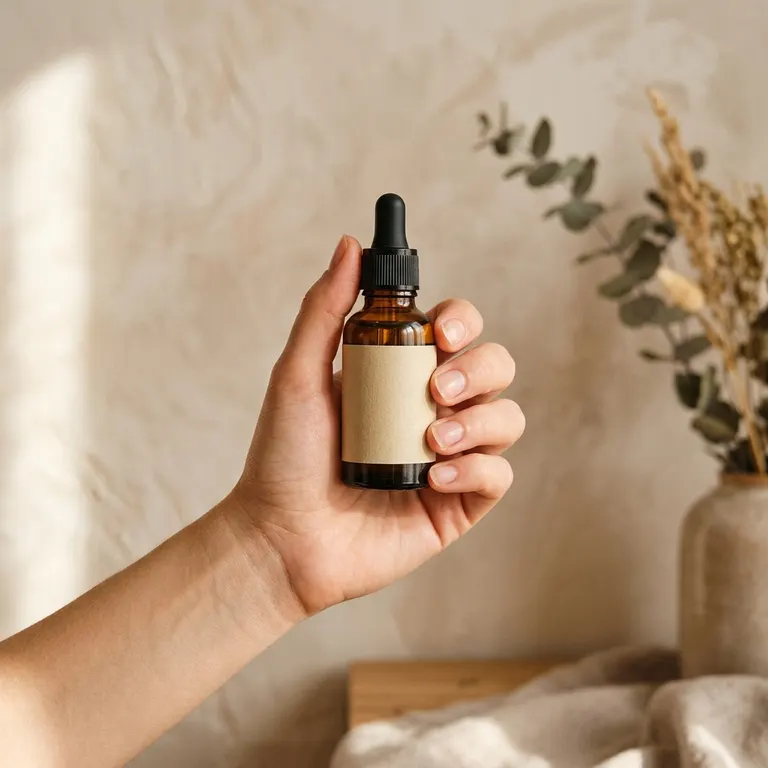
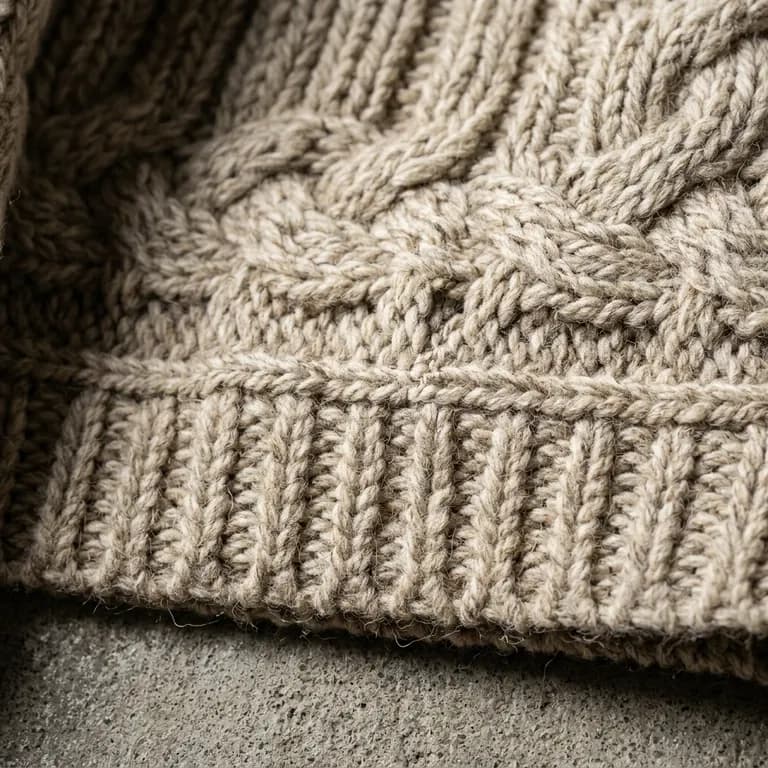
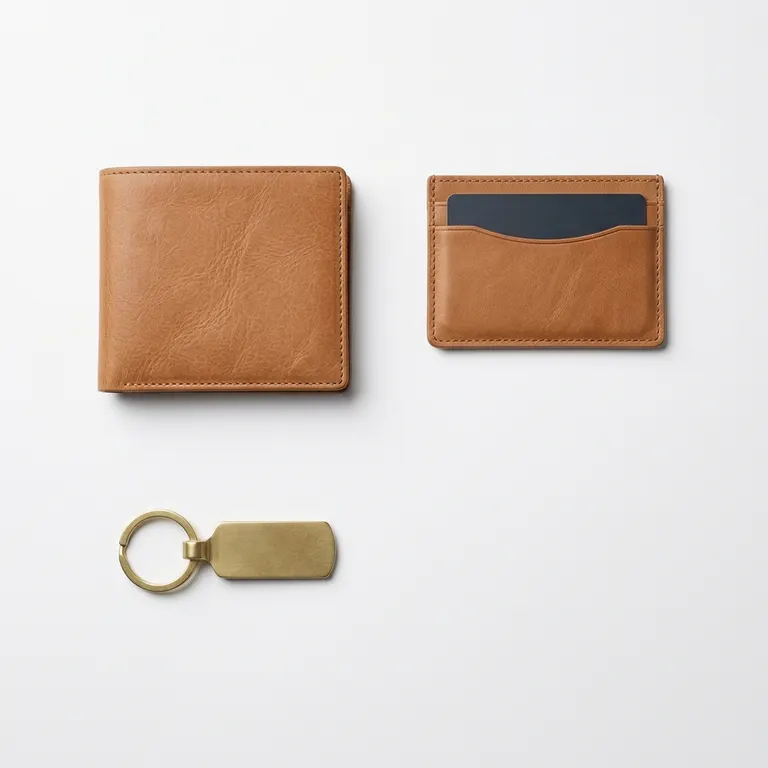
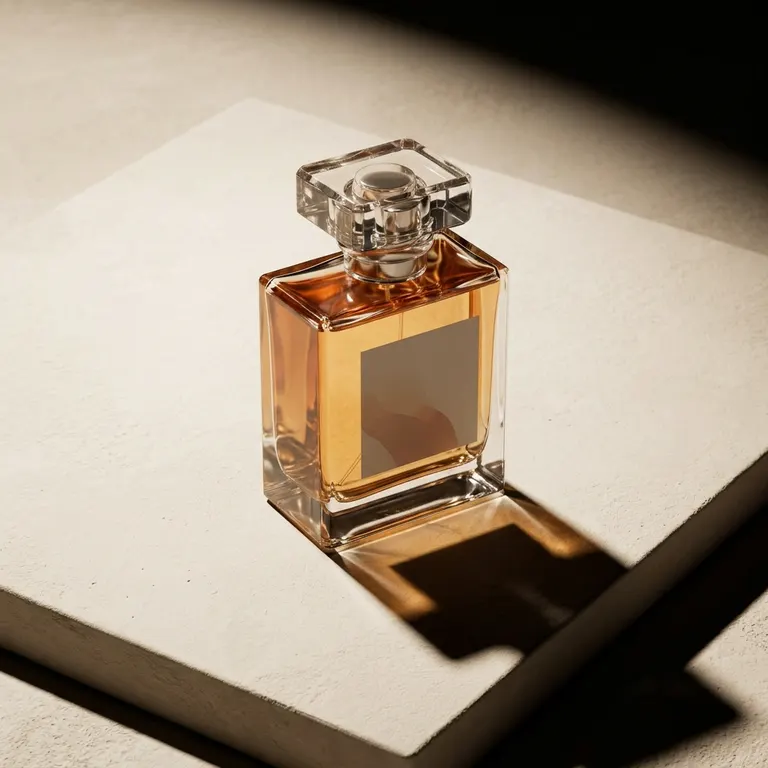
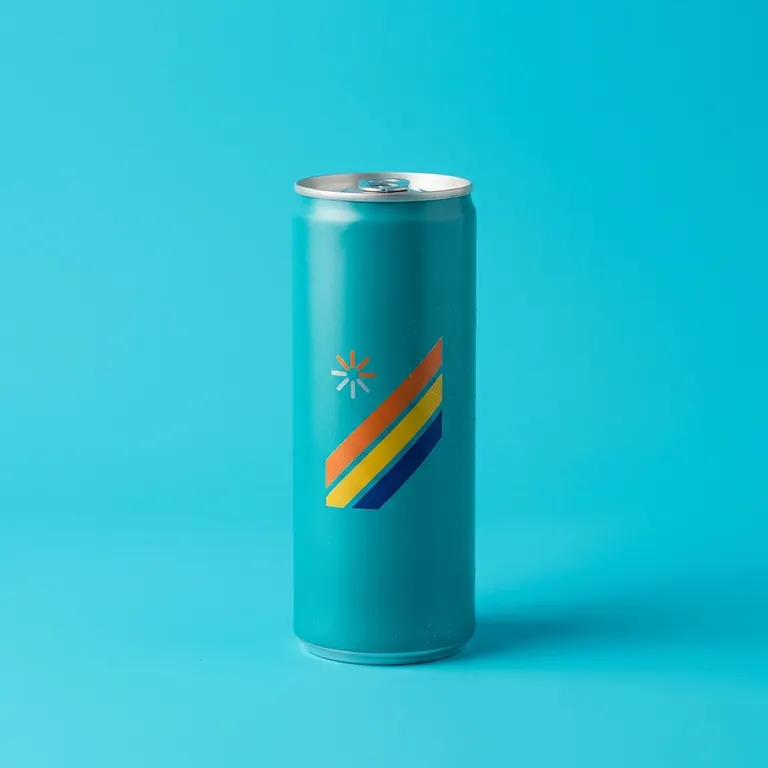
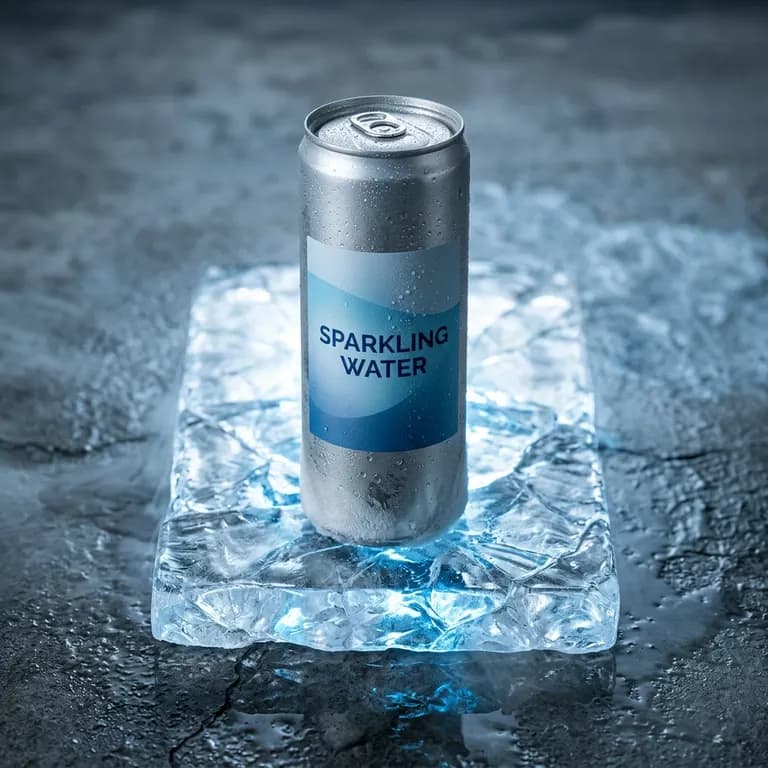
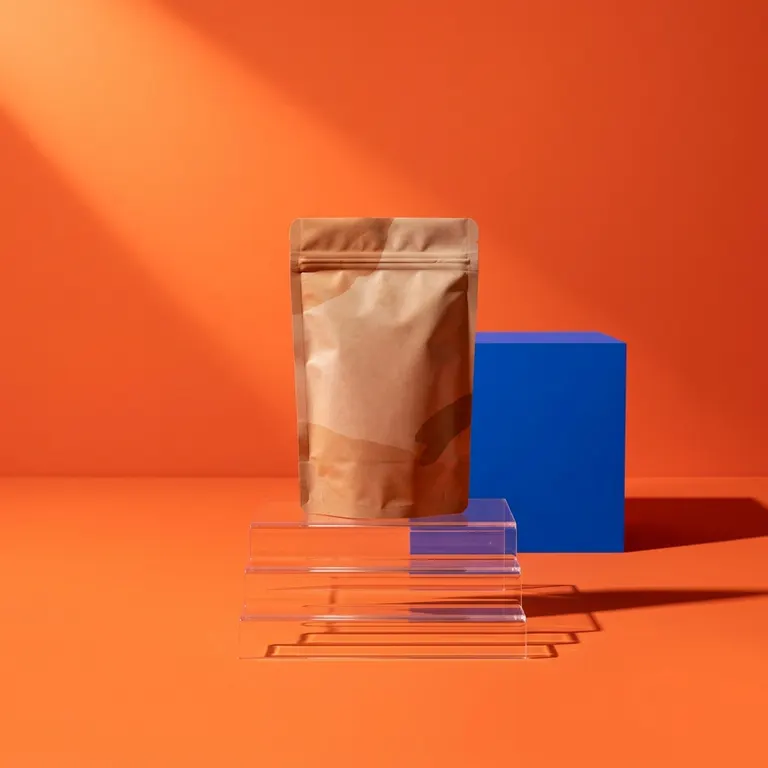
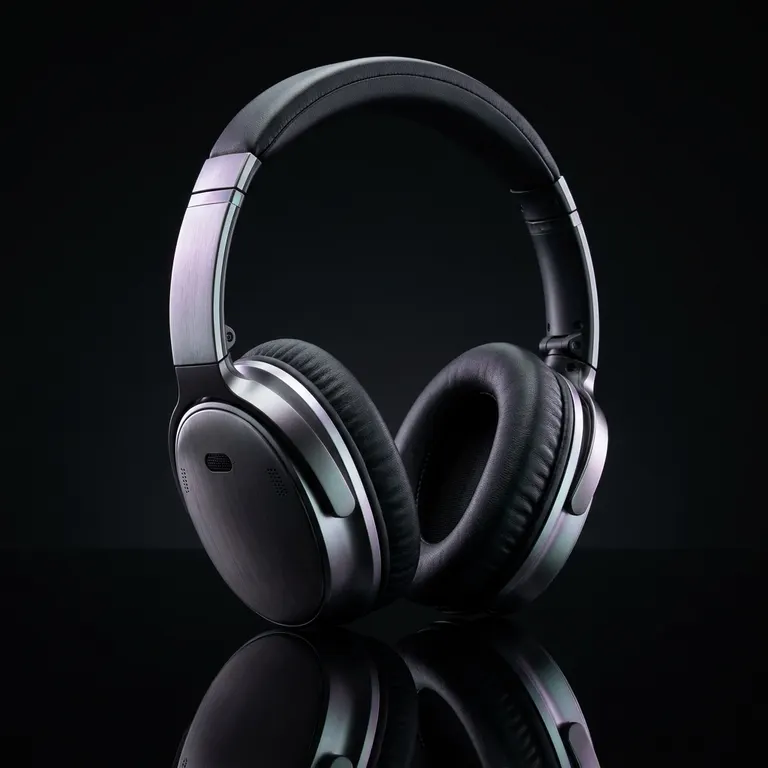
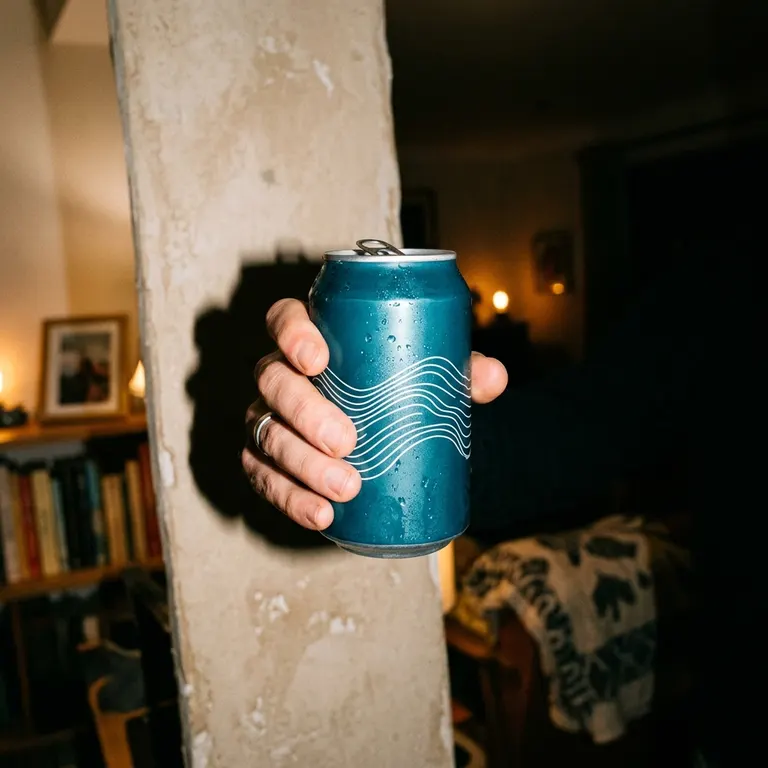
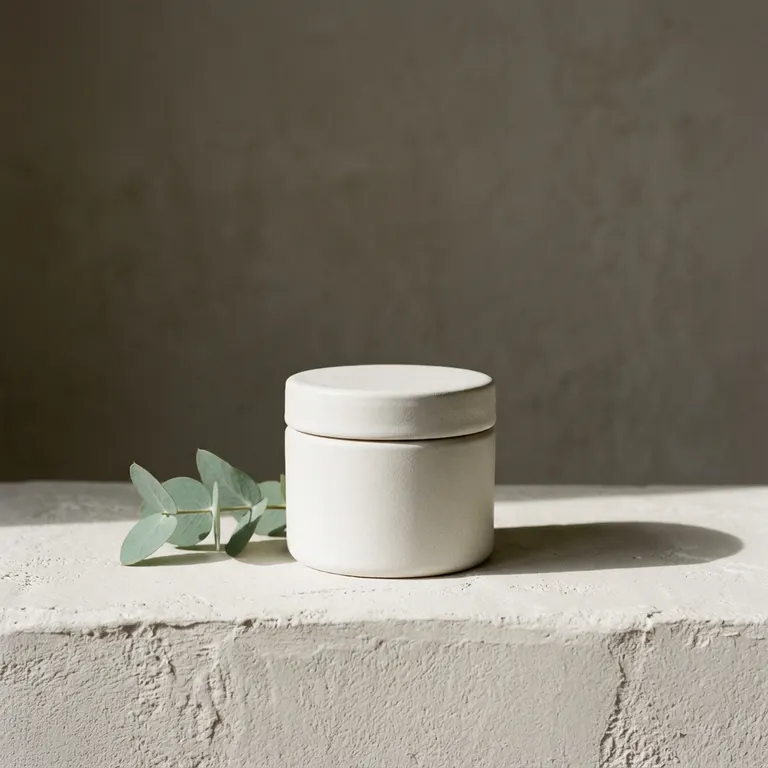
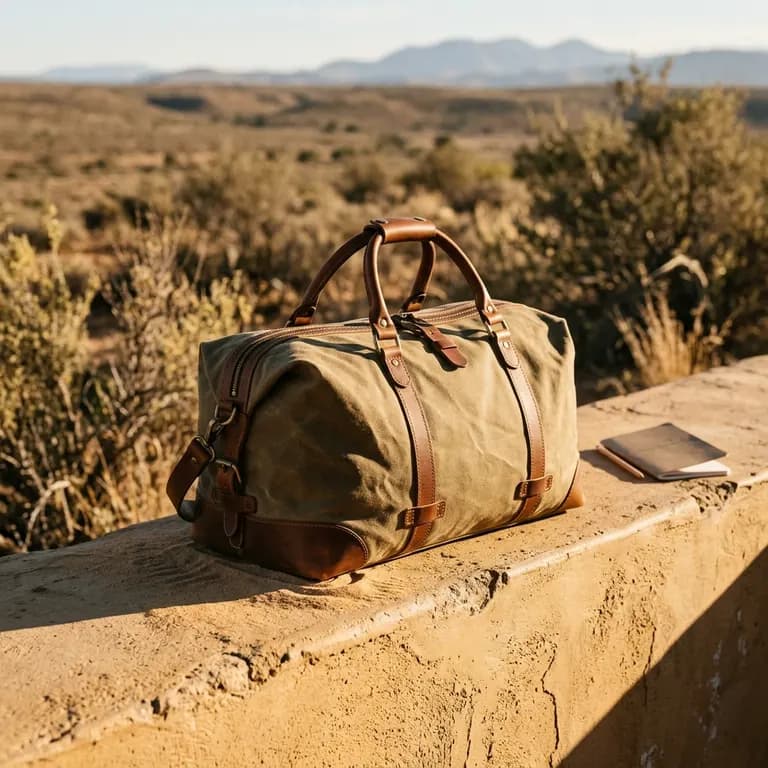
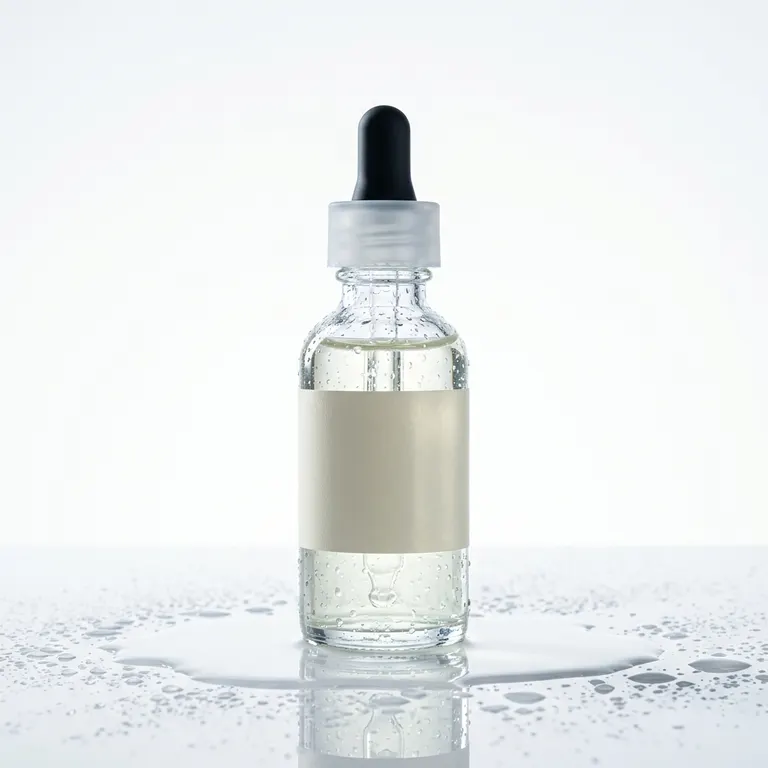
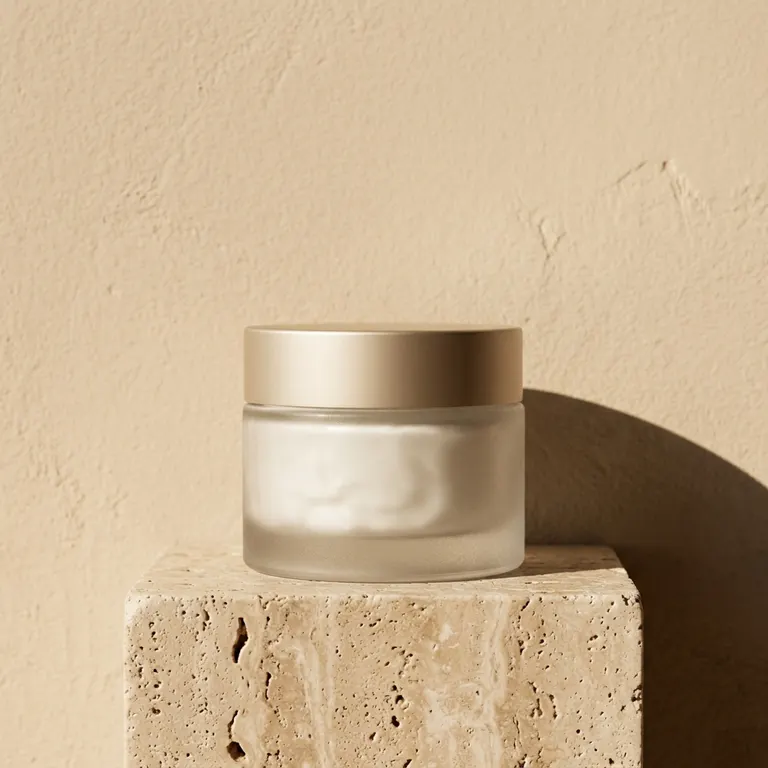
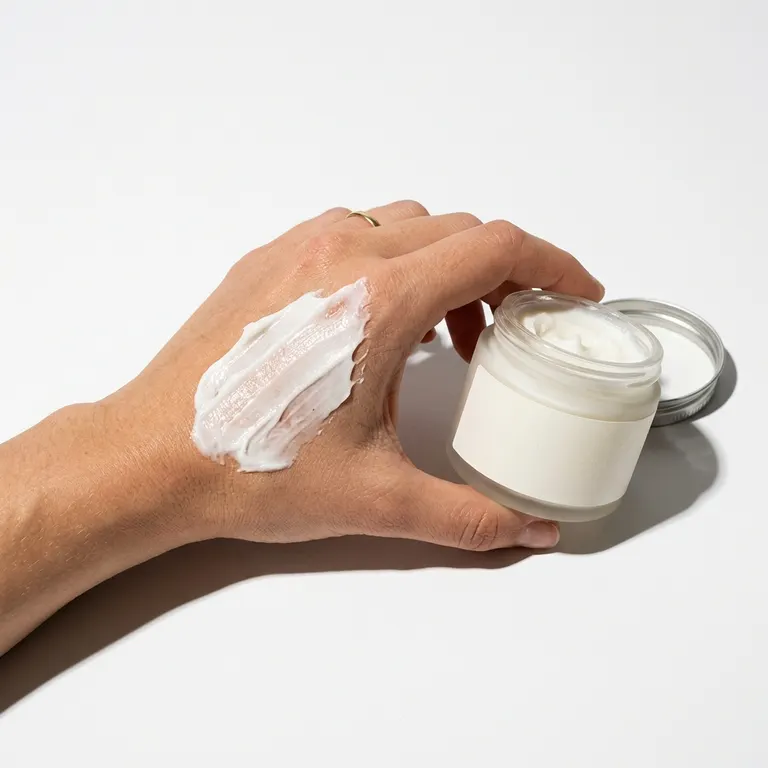
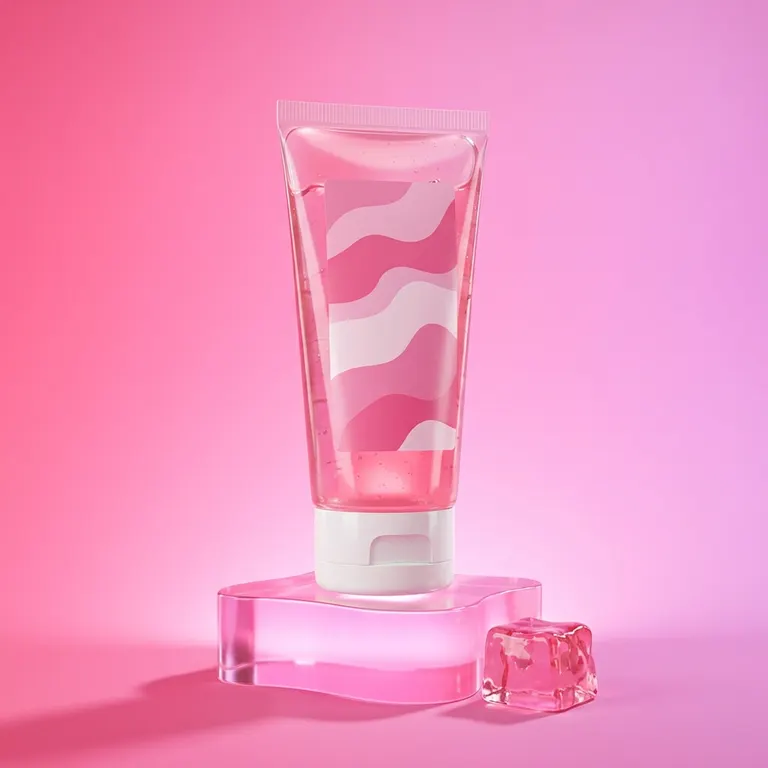

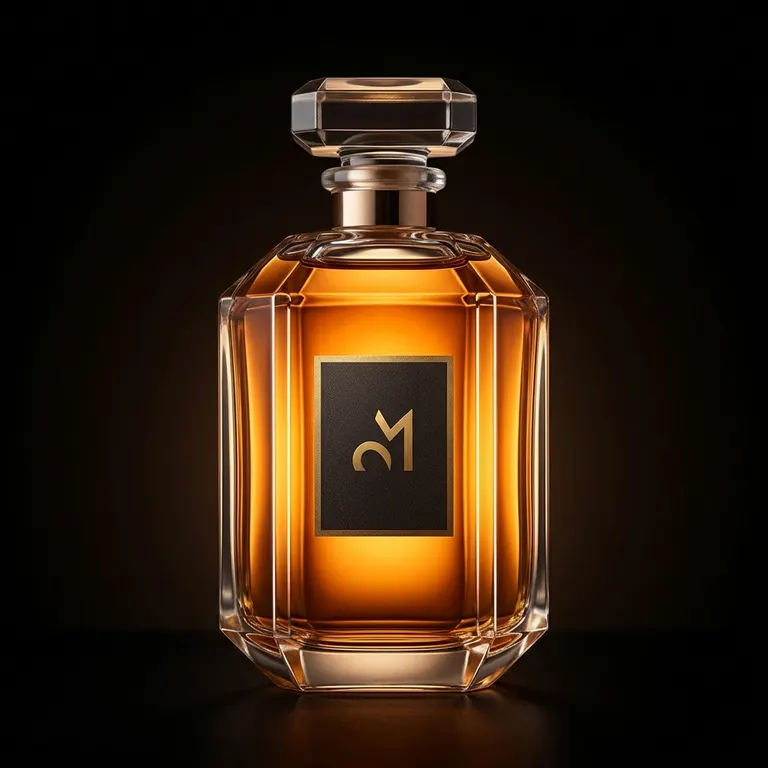
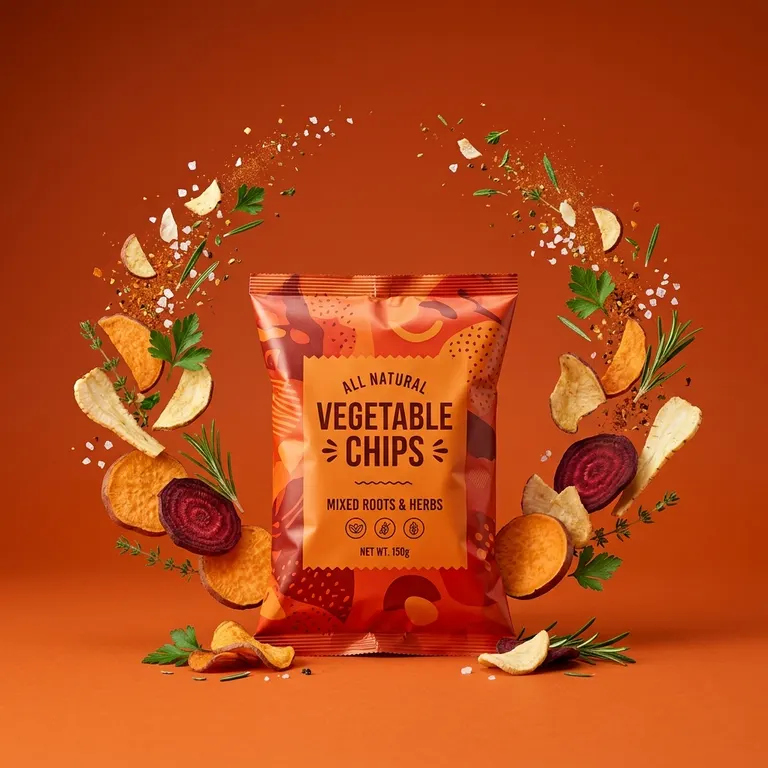
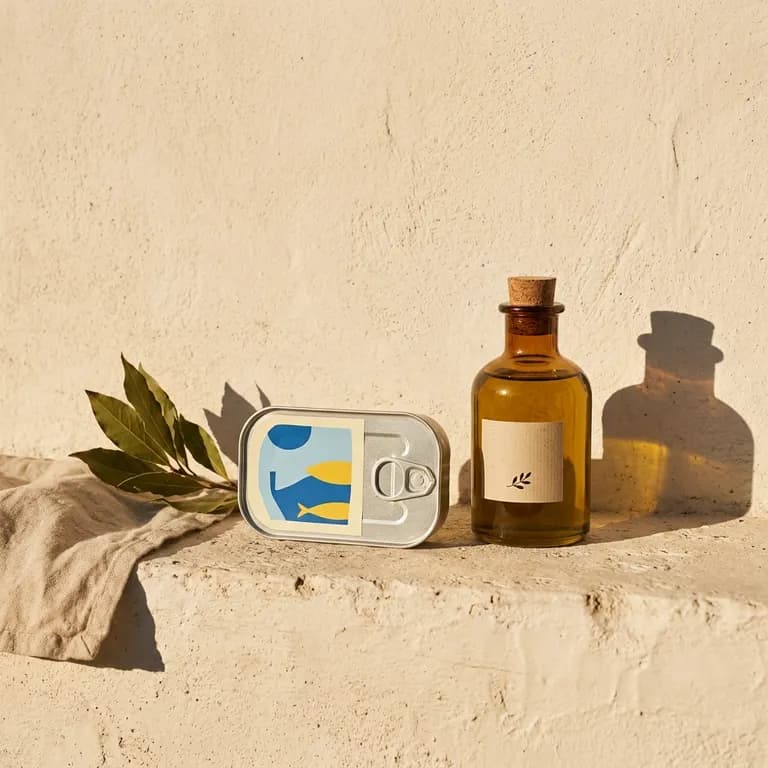
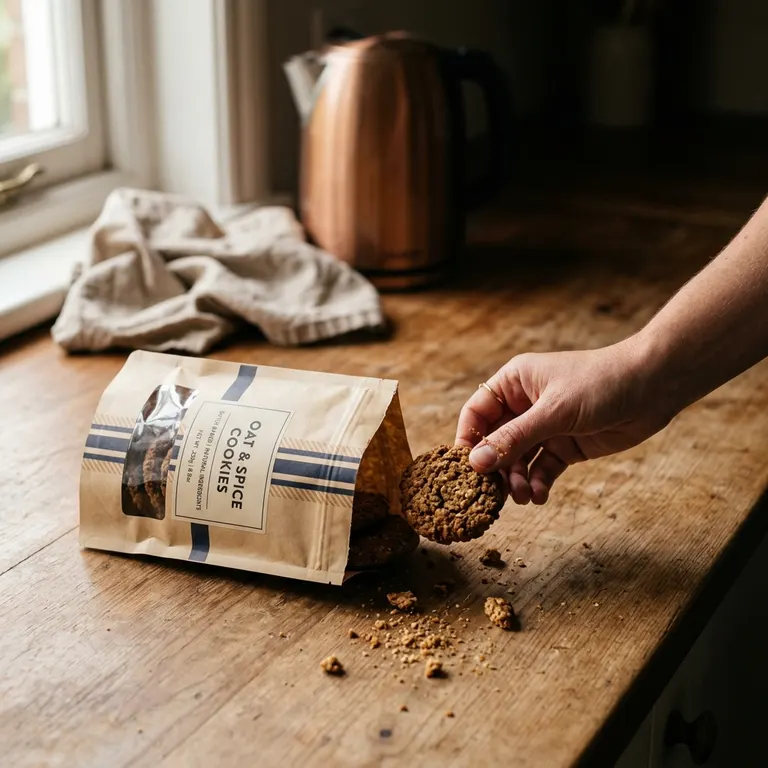
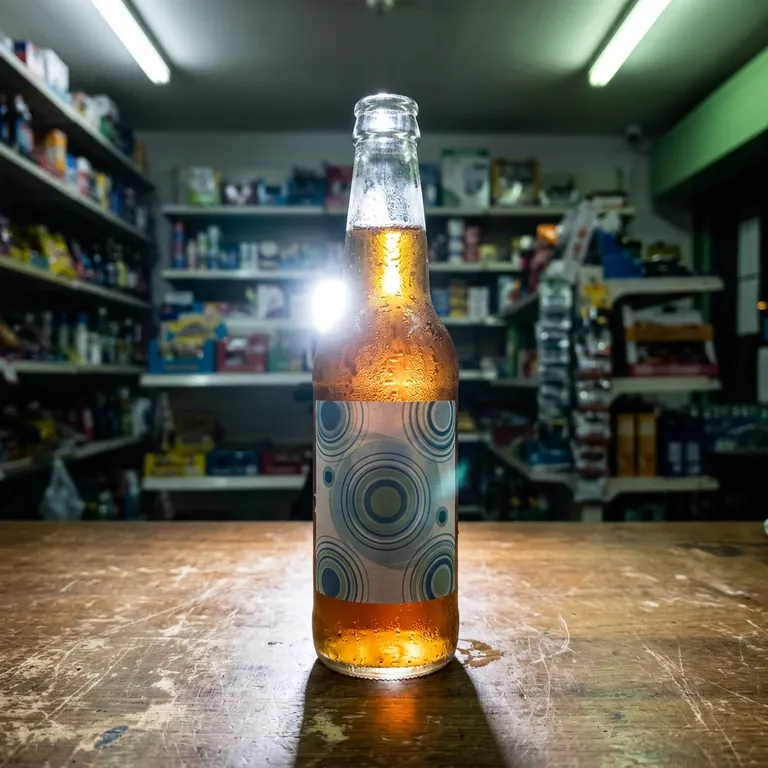
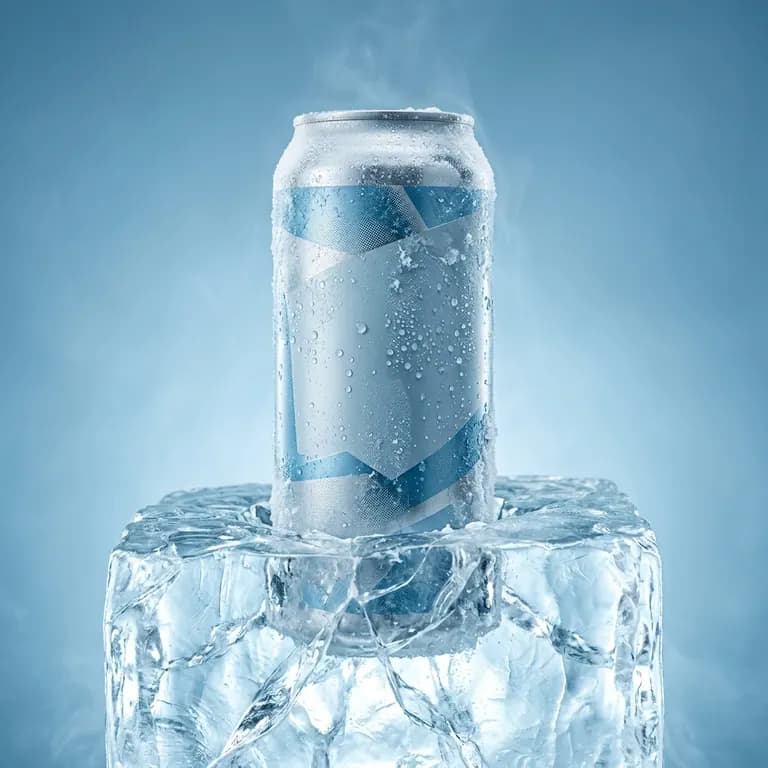
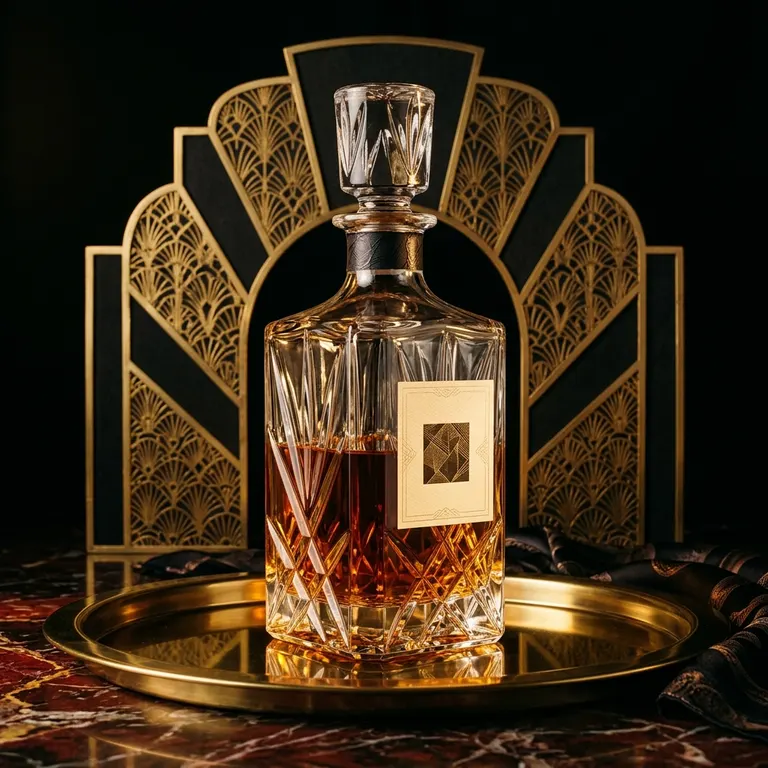
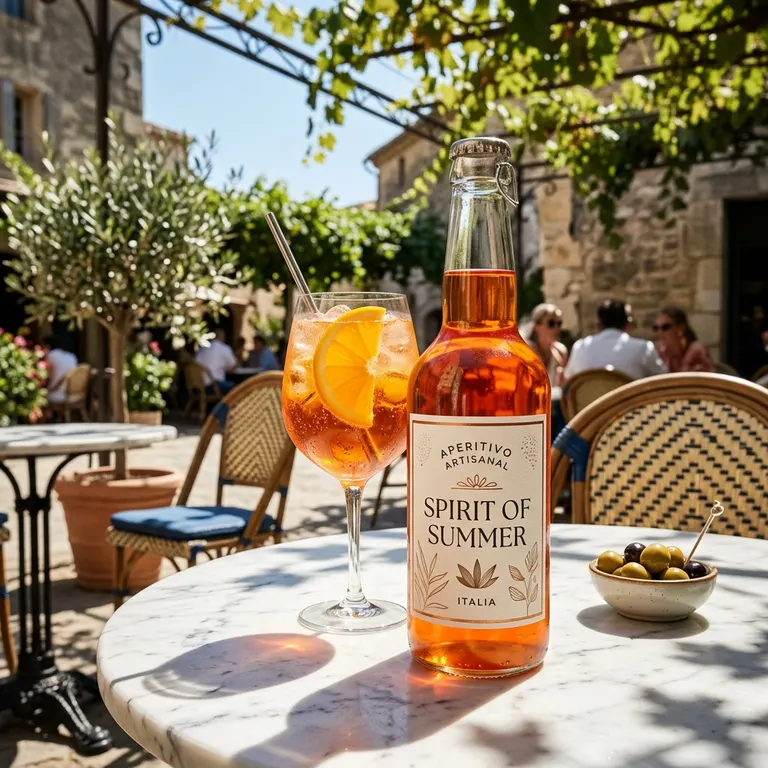
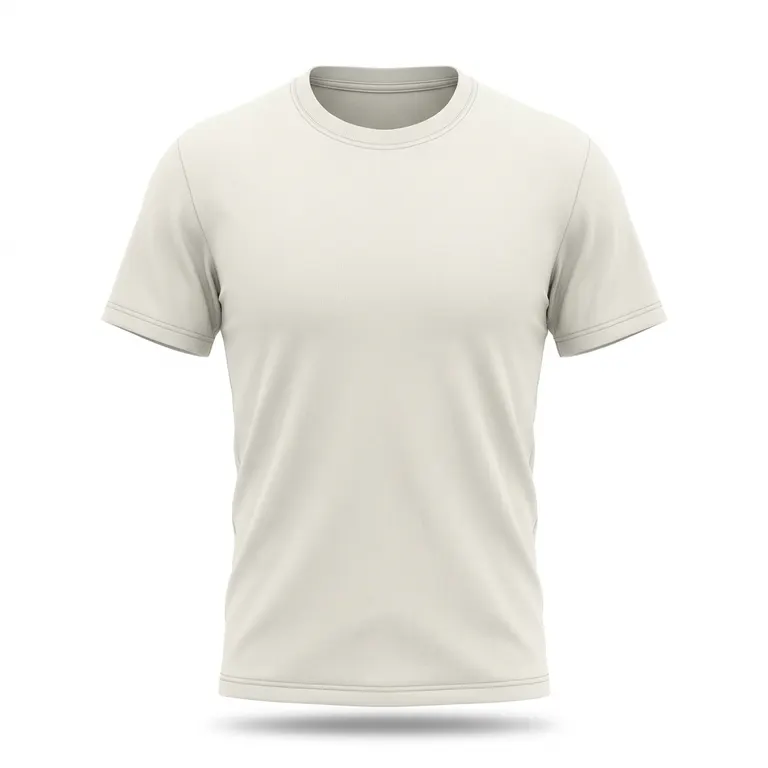
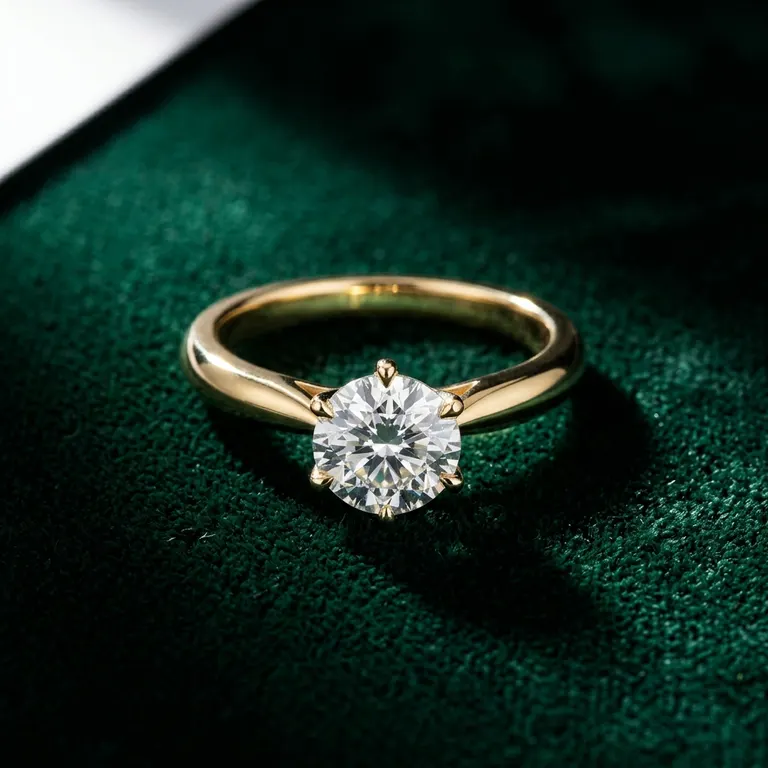
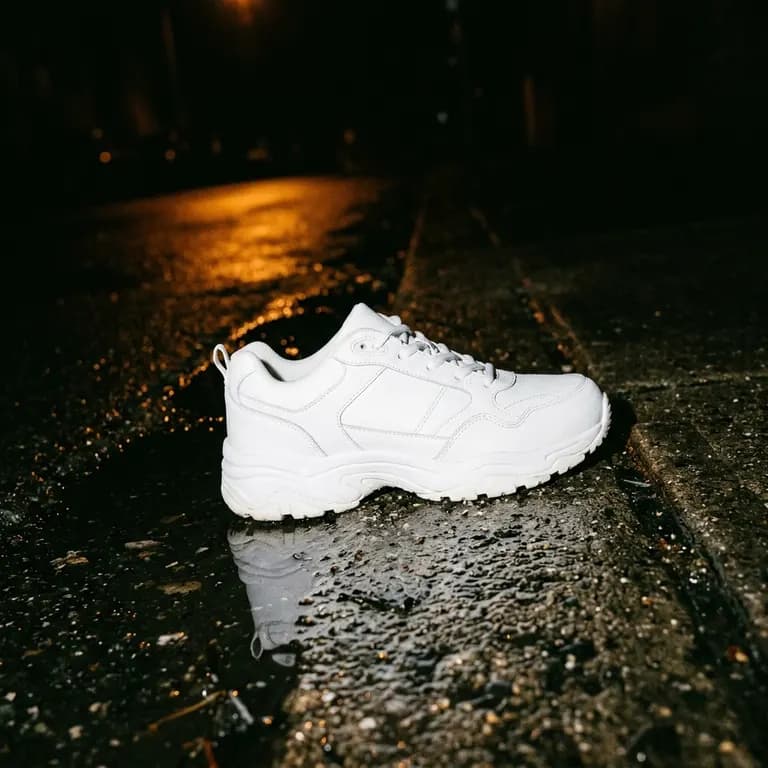
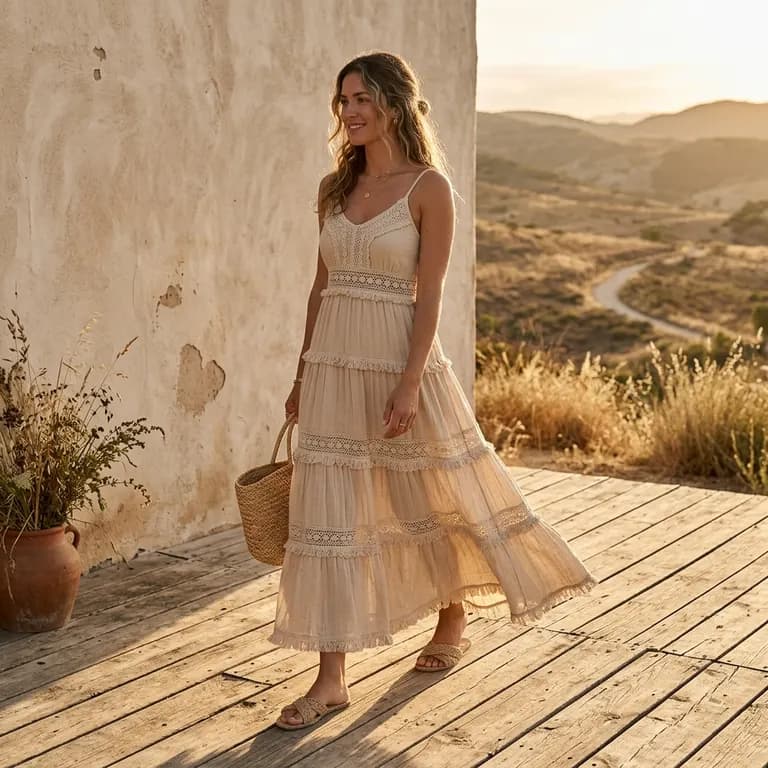
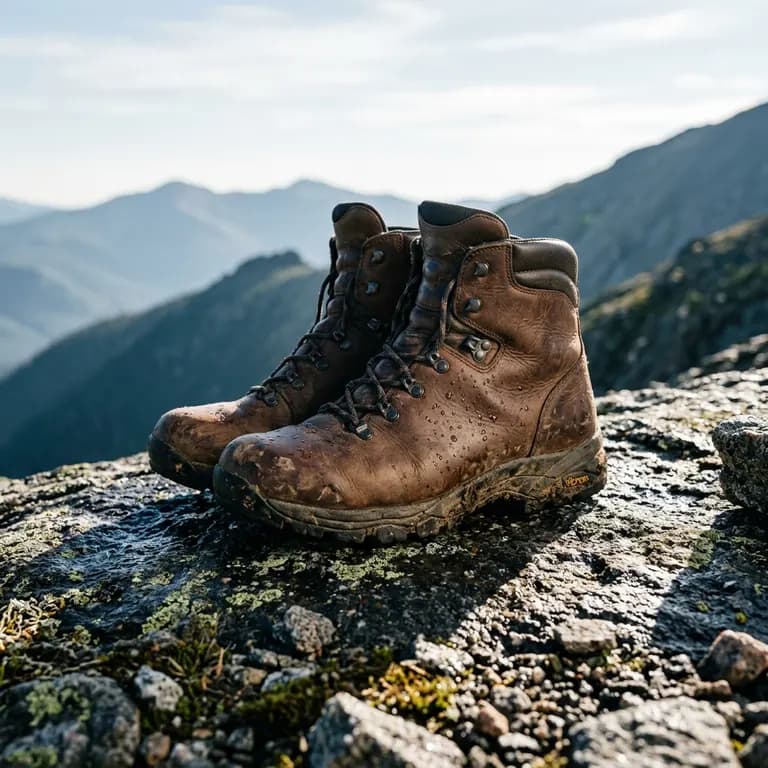
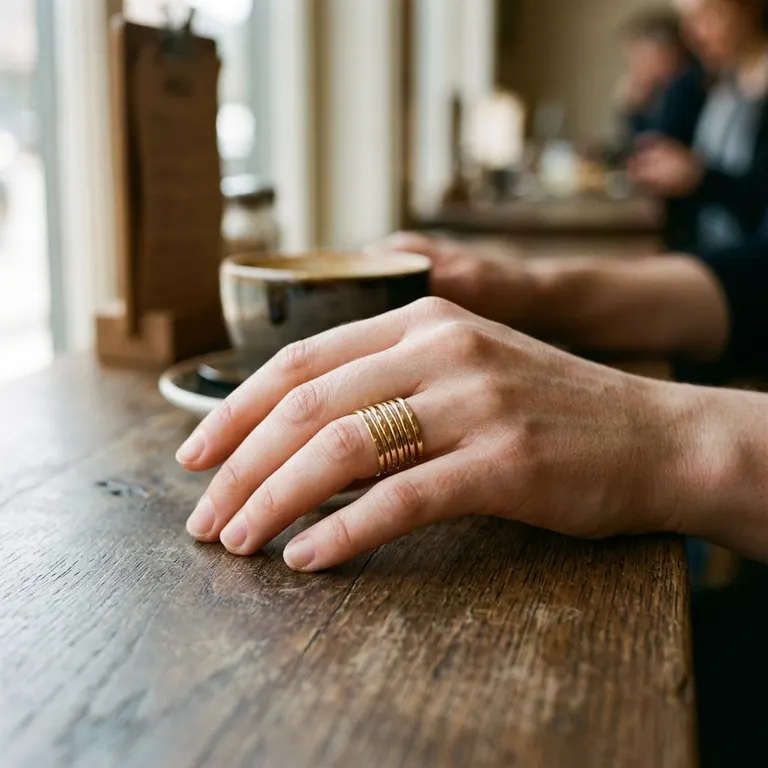

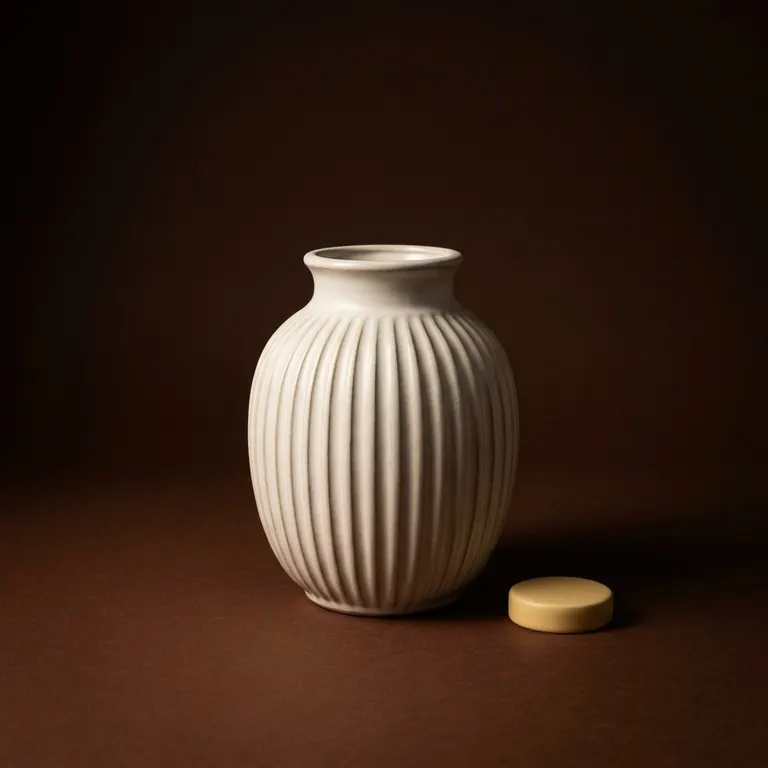
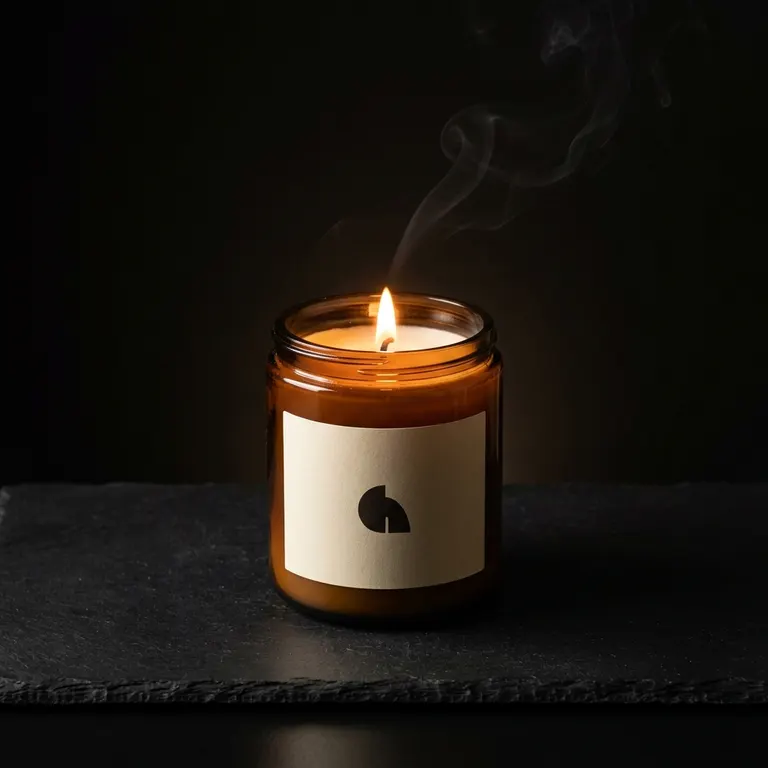
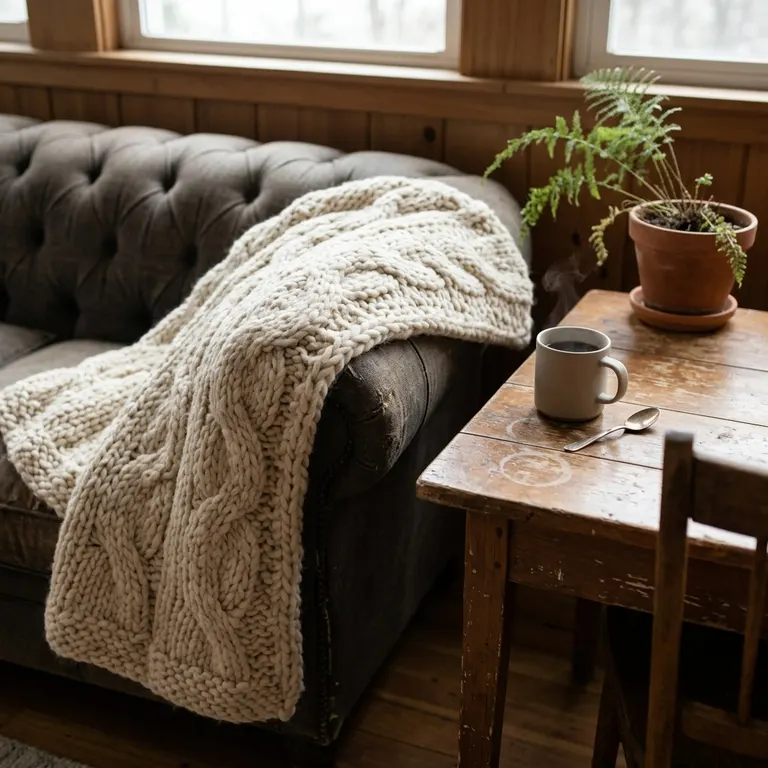

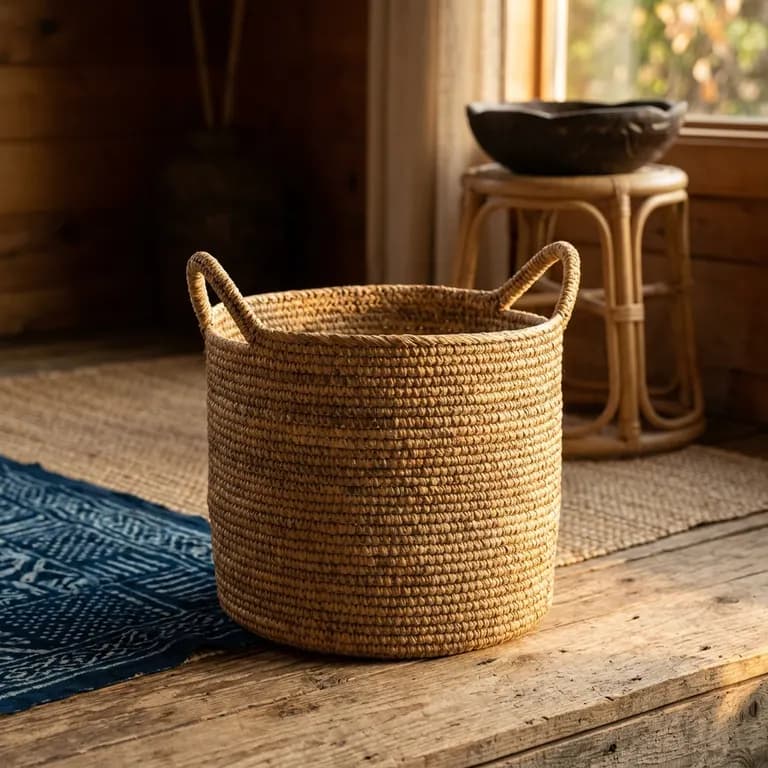
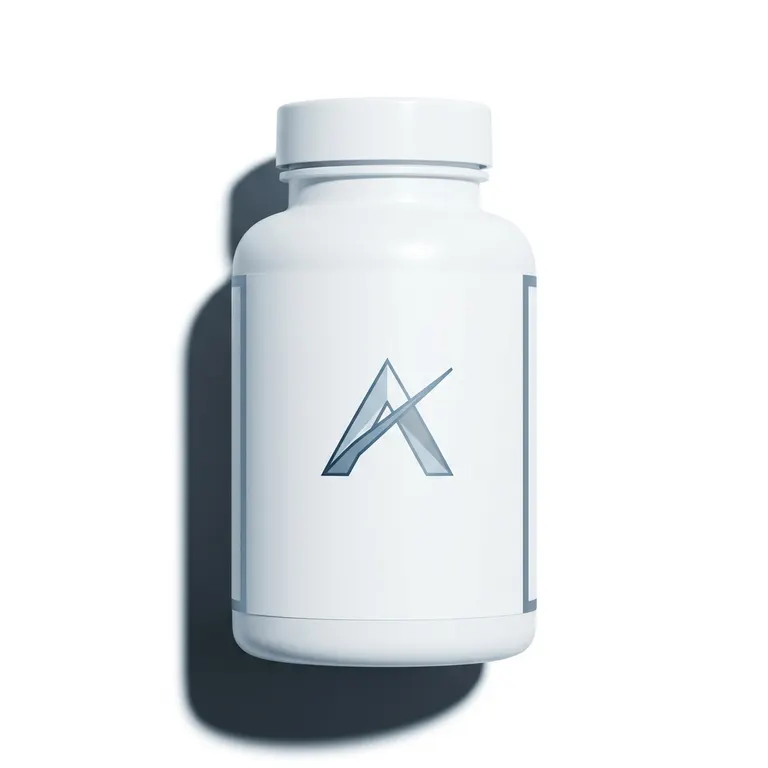
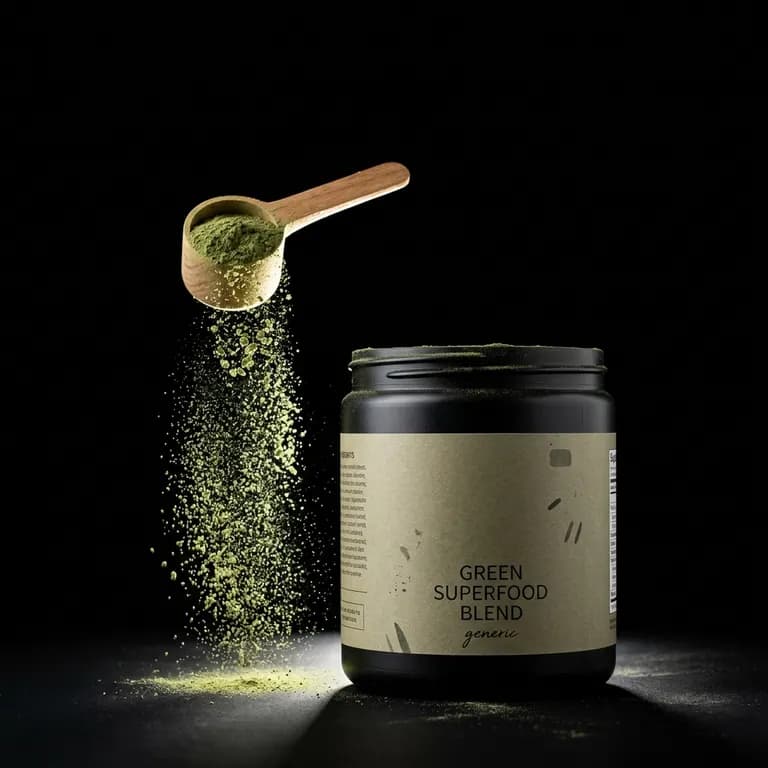
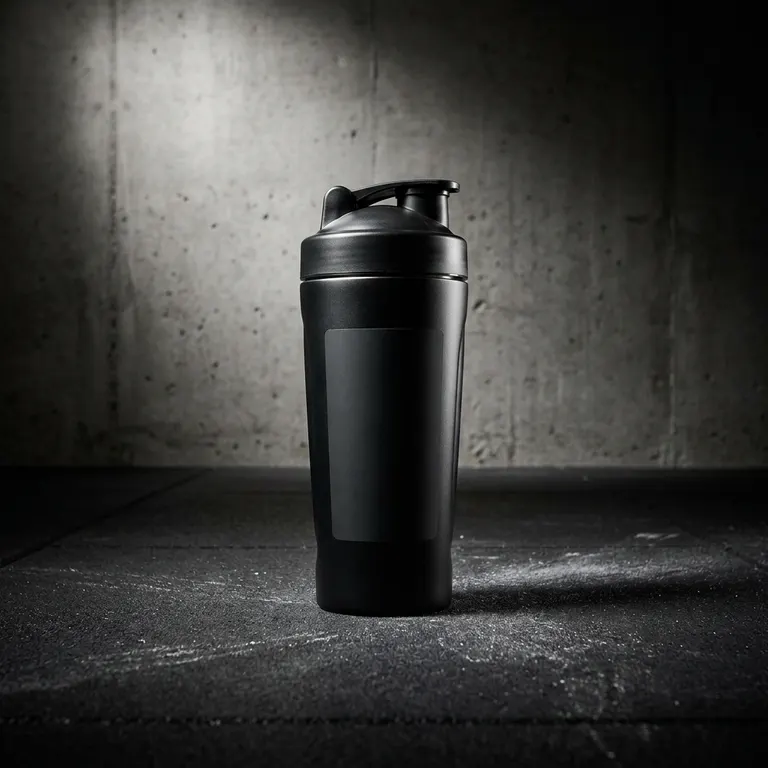
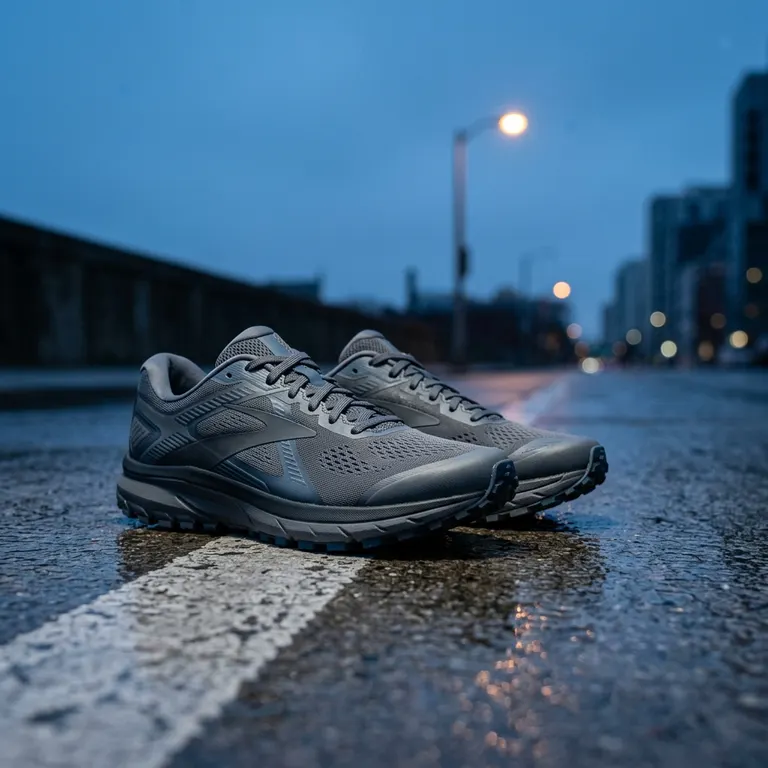
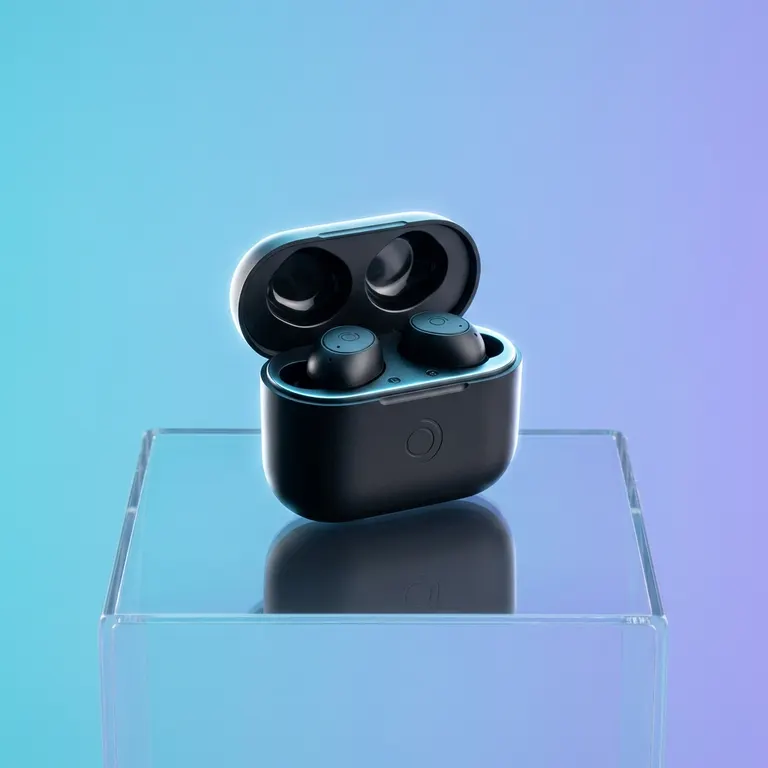
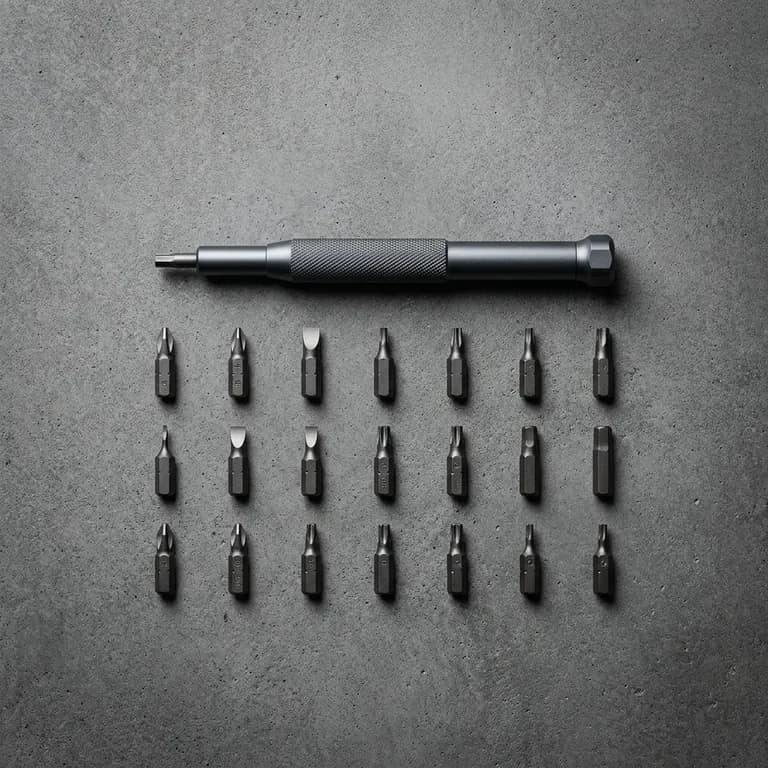

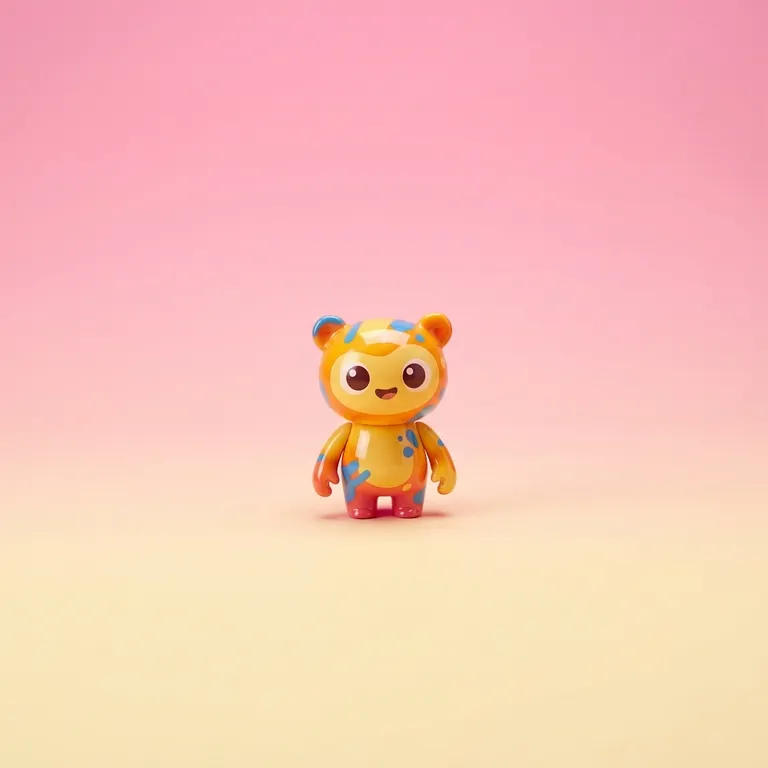
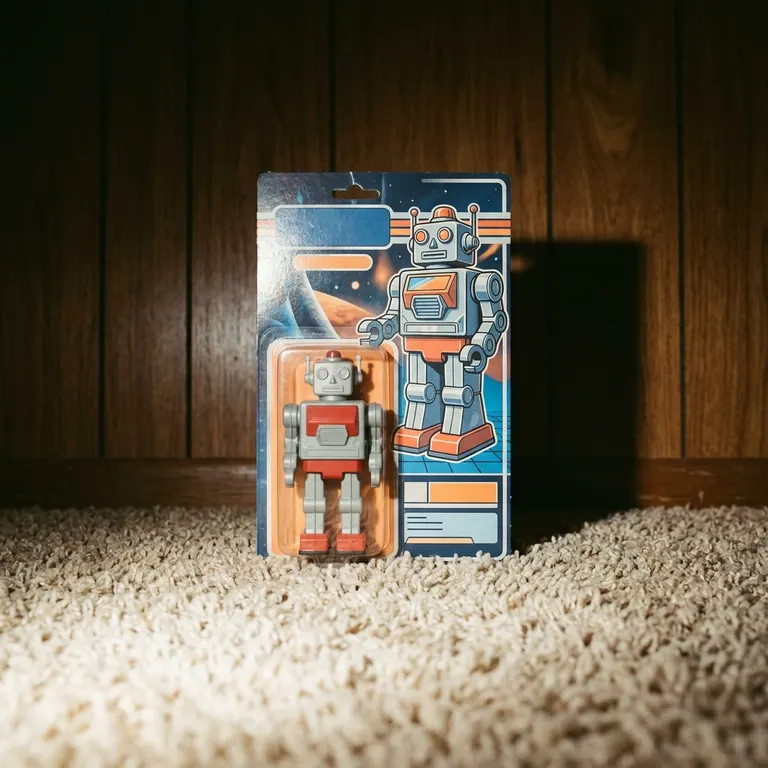
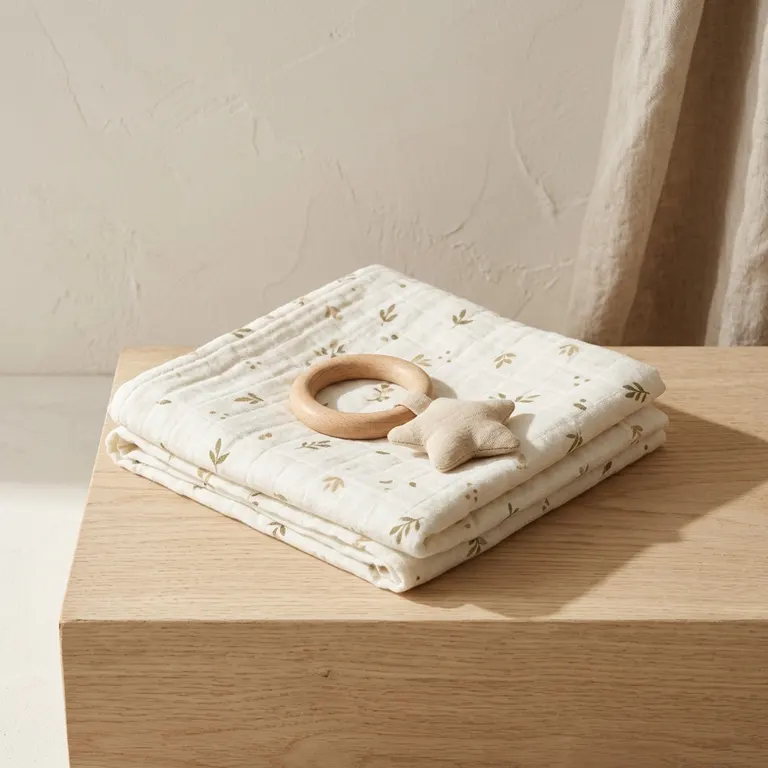
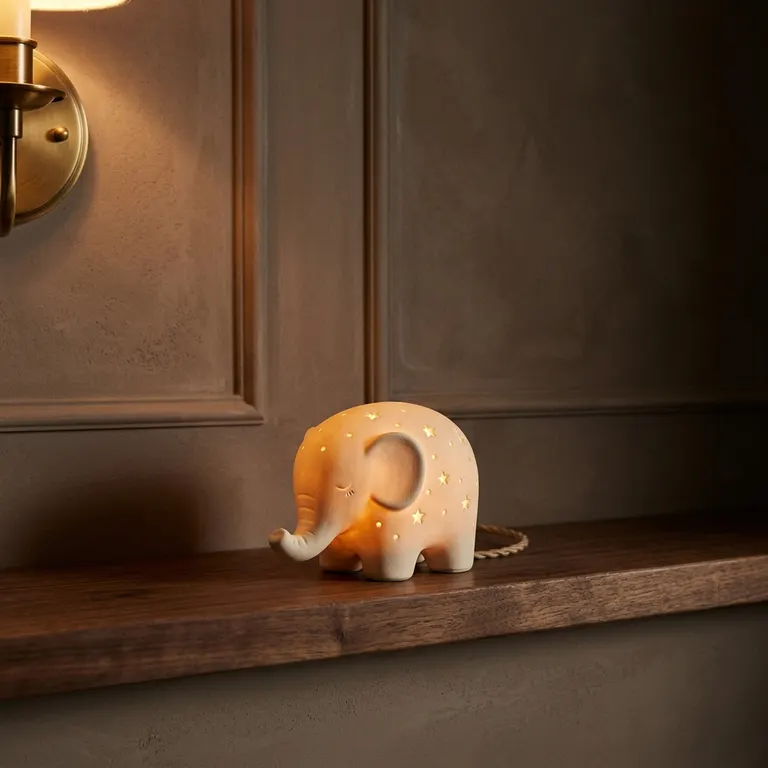
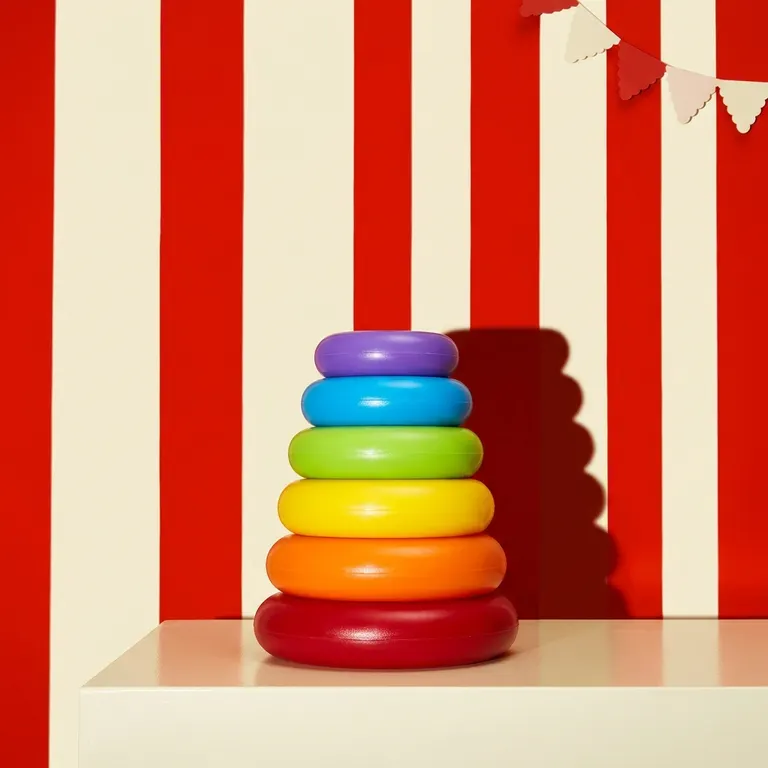

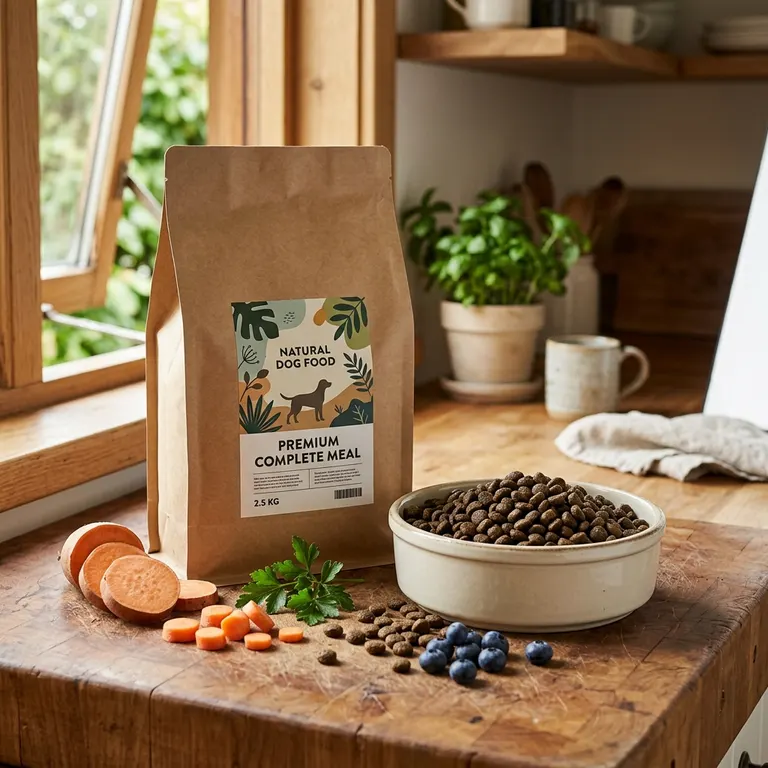

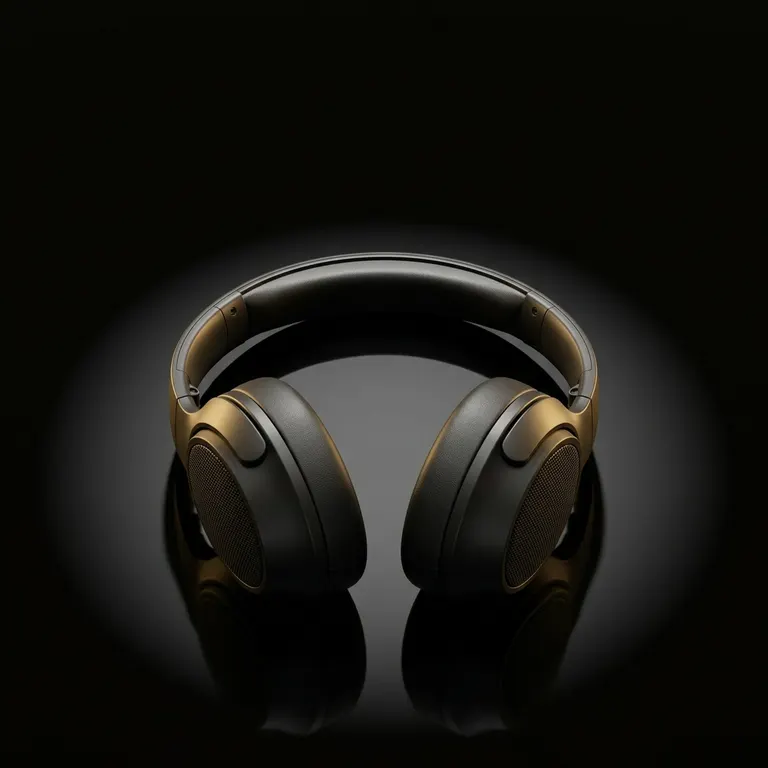
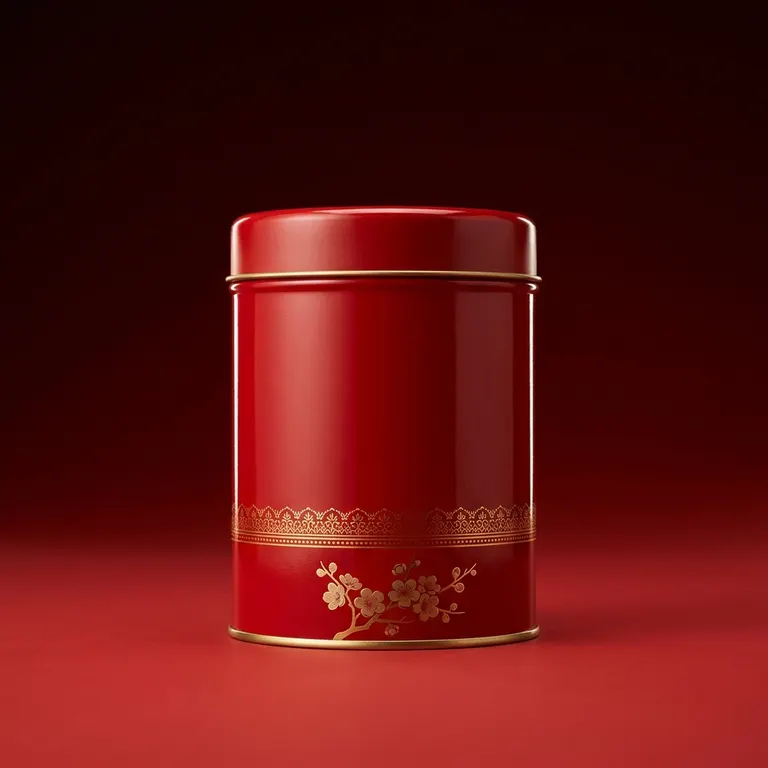
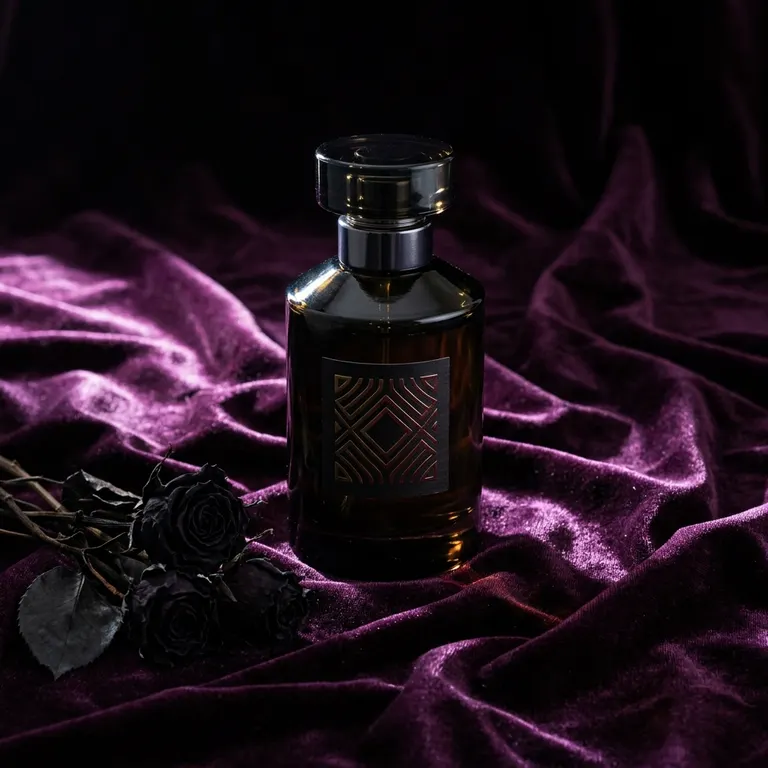
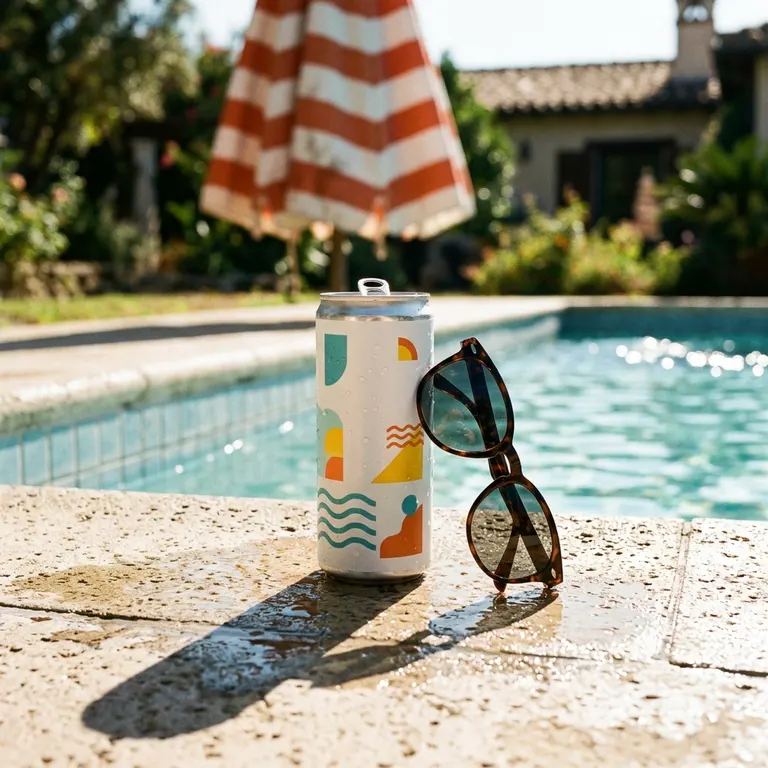
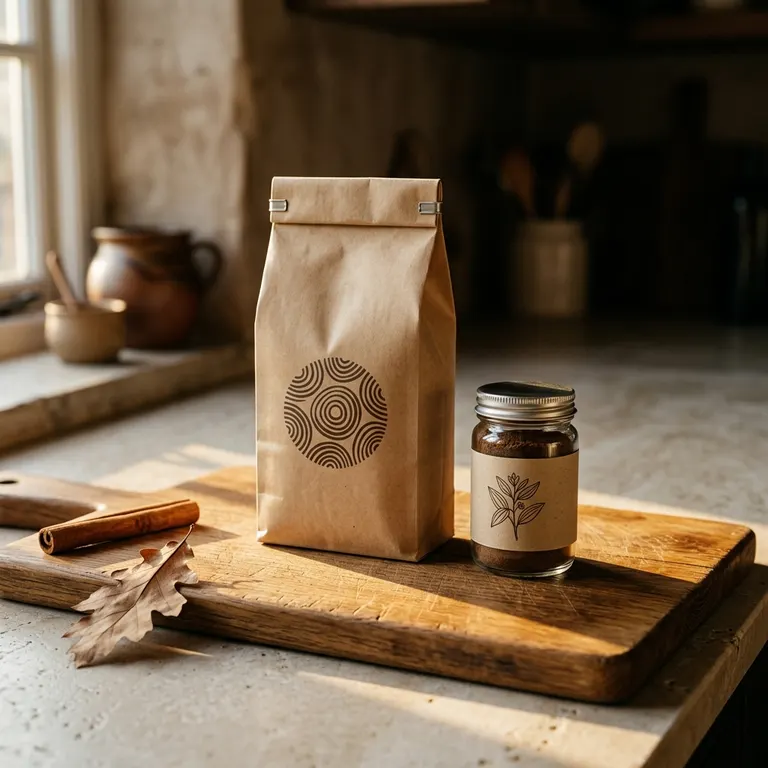
58 looks, and every tile above is a photograph that look produced on a stand-in product. Nothing on this page is stock, drawn or mocked up.
Three capabilities, one workspace, one credit balance. The references you upload for one are the references the next one starts from. Nothing is re-uploaded and nothing is re-explained.
01
Photo Studio
Upload what you already photographed on a phone. Set the background, environment, lighting, angle, style and mood, or load a look that sets all of them, and the shots come back at 1K, 2K or 4K.
02
Try-on and AI models
Create a person once for 40 credits and they stay in your workspace. Maya is the model wearing every garment on this page; a listing shot in March and a campaign shot in September get the same face.
03
Video
A film is scenes, a scene is takes, and every take starts from a still you already own. Three qualities, billed per second of finished footage, out of the same credit balance as the photographs.
01
A handful of photographs of the product. A phone snapshot on a carpet is enough. Most of the evidence on this page arrived exactly that way.
02
Set background, environment, lighting, angle, style and mood yourself, or load one of the 58 looks and edit the art direction it wrote.
03
Shots come back at 1K, 2K or 4K, billed 2, 3 or 4 credits each. One upload can produce a whole set; a run that fails is not billed.
04
Everything lands in a project you named, at the resolution it was made, ready for the next product to reuse.
A look sets background, environment, lighting, angle, style, mood, subject and crop in one click, with the art direction written out so you can edit it. Every tile is a photograph that look produced on a stand-in product, across 10 categories from marketplace white to seasonal campaign.
Browse the looksMaya was created once for 40 credits and lives in the workspace. She is the model in every try-on on this page, and she will be the model in next season’s too.
See how models work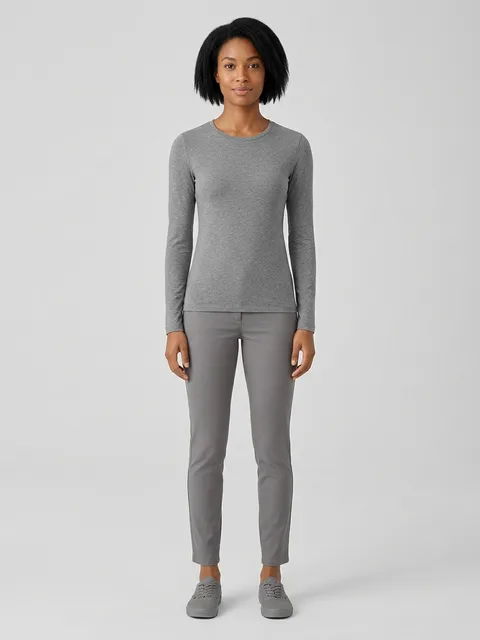
Credits, not seats. A workspace starts on a balance of zero, so nothing generates until you buy some, and a run that fails is not billed.
Every card is a real pair out of the app: the photograph somebody uploaded, the shot that came back, the look that made it and what it was billed. Resized for the web and not retouched.
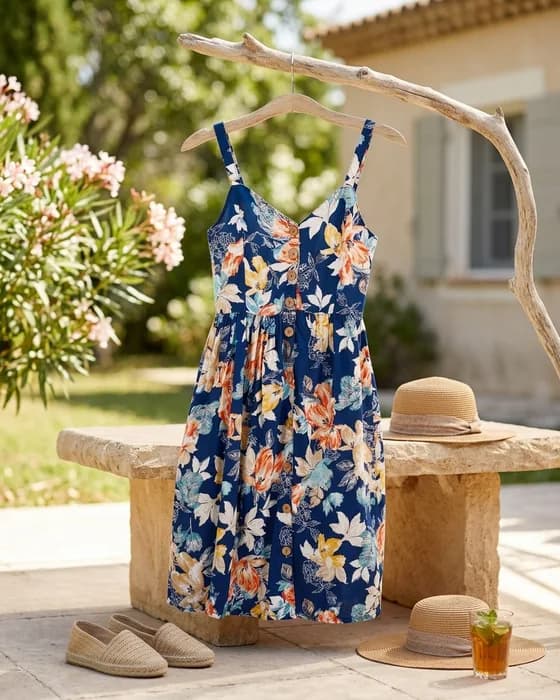
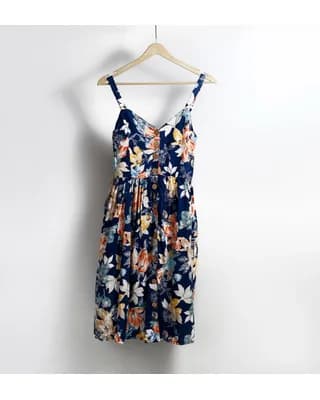
Summer dress
Lifestyle · 1K · 2 credits


Crop-care bottle
Moody · 4K · 4 credits
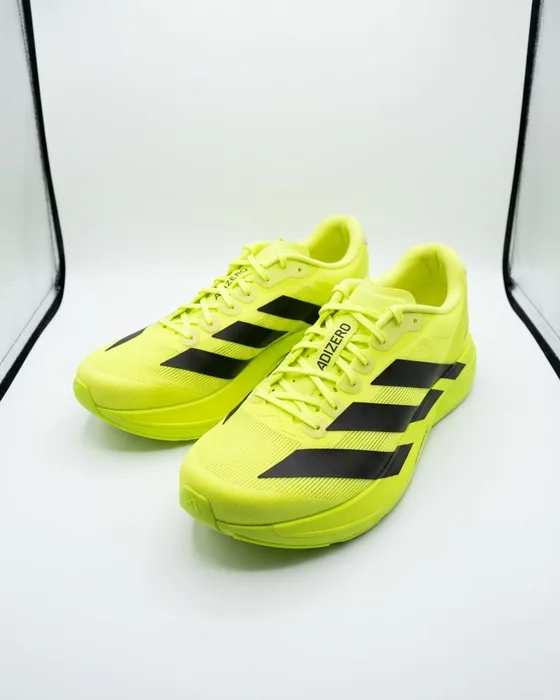
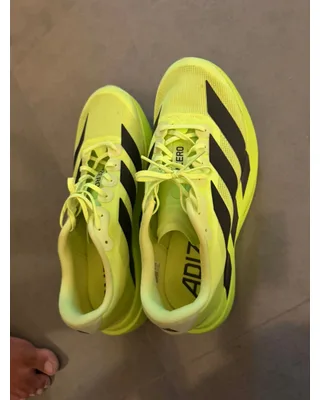
Running shoes
Editorial · 1K · 2 credits
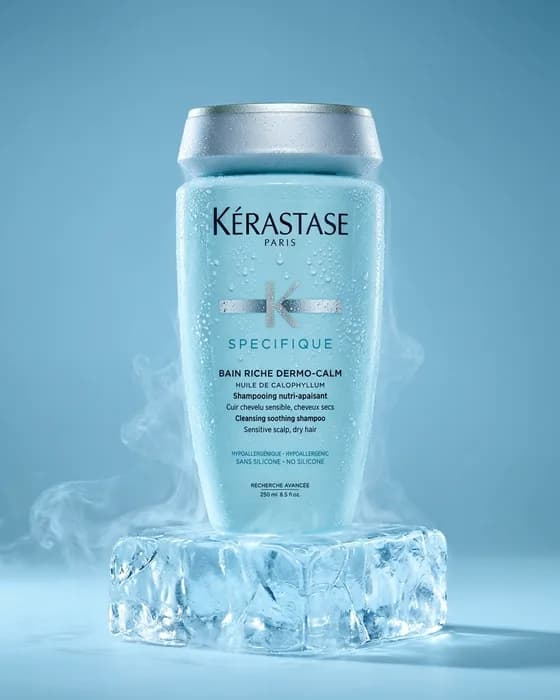

Shampoo bottle
Editorial · 1K · 2 credits
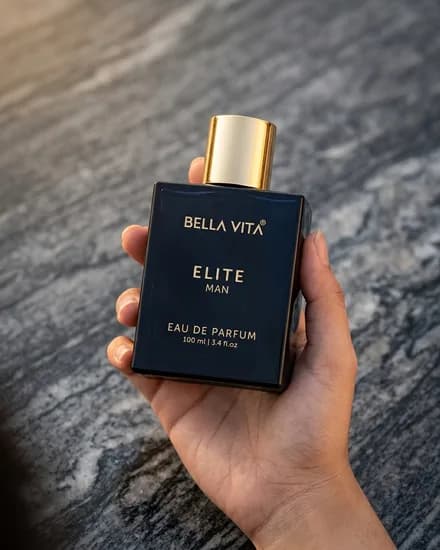
Eau de parfum, shot 1 of 4
Studio run · 1K · 2 credits
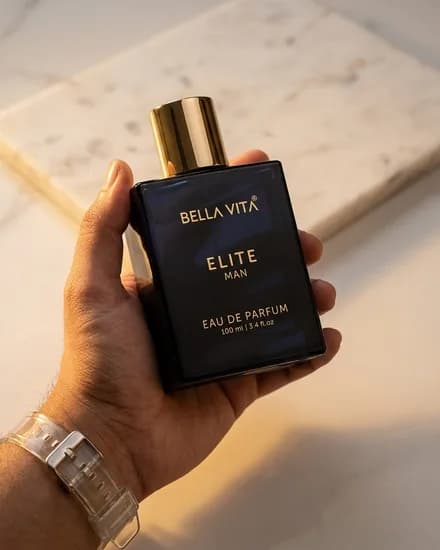
Eau de parfum, shot 2 of 4
Studio run · 1K · 2 credits
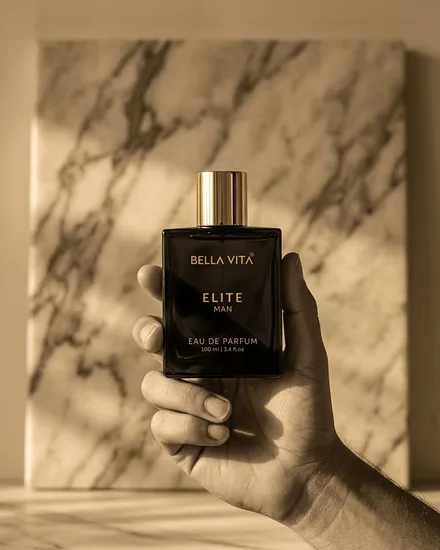
Eau de parfum, shot 3 of 4
Studio run · 1K · 2 credits
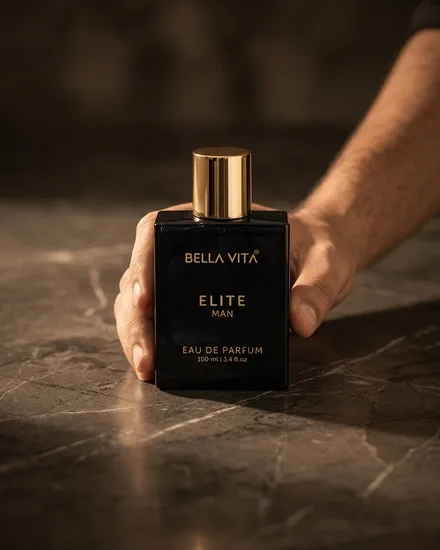
Eau de parfum, shot 4 of 4
Studio run · 1K · 2 credits
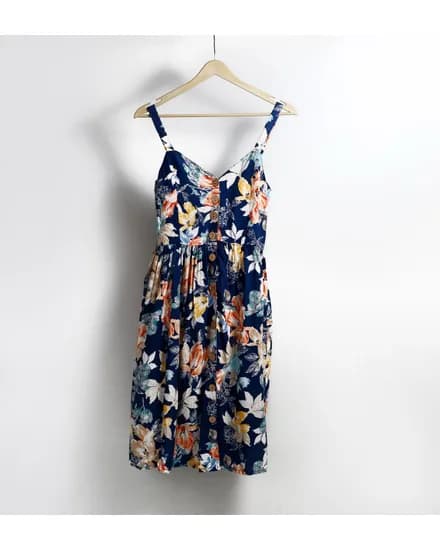
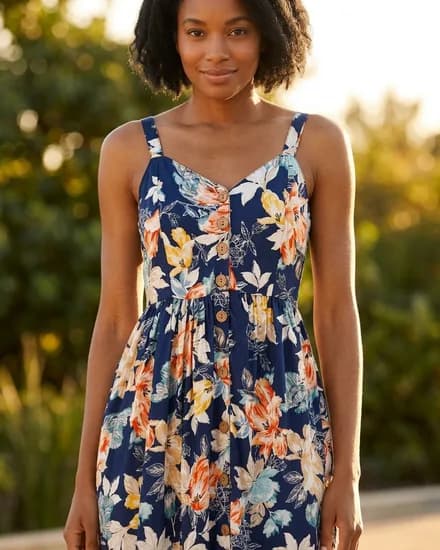
Summer dress, worn by Maya
Virtual try-on · 1K · 2 credits
Every generation has a published price in credits. A plan is a monthly credit balance and a top-up fills it early. Nothing is metered per seat.
1K and 2K work.
$29/mo
350 credits included
Everything on this page, the 4K shots included.
$99/mo
1,400 credits included
Volume pricing, negotiated.
Custom
Volume credit pricing
| Generation | Tier | Credits |
|---|---|---|
| Image generation | 1K resolution | 2 |
| 2K resolution | 3 | |
| 4K resolution | 4 | |
| AI model | One reusable person | 40 |
| Video generation | Standard quality | 2 per second |
| HD quality | 3 per second | |
| Pro quality | 11 per second |
Run out early? Top up 100 for $9.00, 500 for $40.00, 2000 for $150.00.
Published rates · updates as you type
Covered by Starter, $29/mo, 350 credits included.
At the top-up rate that is $6.48. Credits are spent when a run completes; a run that fails is not billed.
A new workspace starts on a balance of zero, so nothing generates until you buy credits, and a run that fails is not billed.
Email on Starter, priority on Pro, dedicated on Enterprise. Send us the product and we will tell you which look gets you there.
The fragrance bottle in the wall above went in once and came back 4 times, at 2 credits each.
A workspace that turns the product photos you already have into the images a listing needs: studio shots on a background you choose, a garment worn by a person you created, and short video from a shot you already made.
One set of references, one credit balance, one place everything lands. There is no shoot to book and nothing to install.
Not a free one. The studio opens with a paid 7-day trial: Starter for $4.99 with 60 credits, or Pro for $9.99 with 150 credits. Every image costs us real compute, and a small charge covers what those credits can spend.
A trial renews into its plan unless you cancel before it ends, in one click on the Billing page. The renewal date and price are shown before you pay, not after.
A run that fails is not billed. Plans start at $29/mo for 350 credits included, and top-ups are 100 credits for $9.00, 500 credits for $40.00, 2000 credits for $150.00.
2 at 1K, 3 at 2K, 4 at 4K. A reusable AI person is a one-off 40 credits and then costs nothing to use again. Video is billed per second of finished footage: Standard 2 credits a second, HD 3 credits a second, Pro 11 credits a second.
Those are the published rates and they are the same ones the Billing page charges. The estimator above prices a whole catalogue against them before you spend anything.
A handful of photographs of the product. A phone snapshot on a carpet is enough. The running shoes at the top of this page arrived exactly that way, and so did three of the four products in the wall of receipts.
For a garment, one photo of it on a hanger, on a wall or flat on the floor is enough for try-on.
Yes, and that is the point of creating one. A person is generated once from the attributes you choose, saved to your workspace, and available to the Studio and to try-on from then on. Maya is the model in every try-on on this page.
A fresh generation each time cannot do this: the face changes. A saved model is what makes a shot taken in March and a shot taken in September the same campaign.
The Video studio is built and priced: a film holds scenes, a scene holds takes, every take starts from a still you already own, and the three qualities bill per second out of the same balance as the photographs.
There is no sample clip on this page, and that is deliberate: we do not have one of our own to show yet, and a stock clip standing in for one would be exactly the kind of thing the rest of this page refuses to do.
Generations land in a project you named, at the resolution they were made, next to the 58 looks and the models you have saved. You can browse, rename and delete them. Nothing is lost in a chat log.
No. Credits are the only currency here, and nothing is metered per person. Team invites are not built yet, so no plan advertises them.
Something here not answered? sales@mishkim.ai. Send us the product and we will tell you which look gets you there.
You already have the photos. Mishkim handles everything after that.